
Create Cover Art for KDP Low-Content Books
Explore original visual directions for journals, notebooks, planners, and logbooks. Generate the front-cover art first, then place it into the exact KDP template for your trim size and page count.
Describe the theme, audience, palette, and imagery, then choose an image model, cover style, ratio, and resolution. Create artwork for KDP low-content books, school notebooks, planners, lab journals, reading logs, and personal diaries, then refine the title and layout in FigEditor.
Quick answer
A journal cover maker turns a written art direction into title-safe cover artwork. Choose GPT Image 2, Nano Banana 2, Nano Banana Pro, or Nano Banana, select one of six editorial styles, set the ratio and supported resolution, then send the result to FigEditor for title and layout refinement.
Themes and styles you can adapt for notebooks, journals, planners, and diaries.
The strongest cover starts with the job it needs to do: sell a notebook, organize a classroom, or make a personal writing habit feel inviting.
Explore original visual directions for journals, notebooks, planners, and logbooks. Generate the front-cover art first, then place it into the exact KDP template for your trim size and page count.
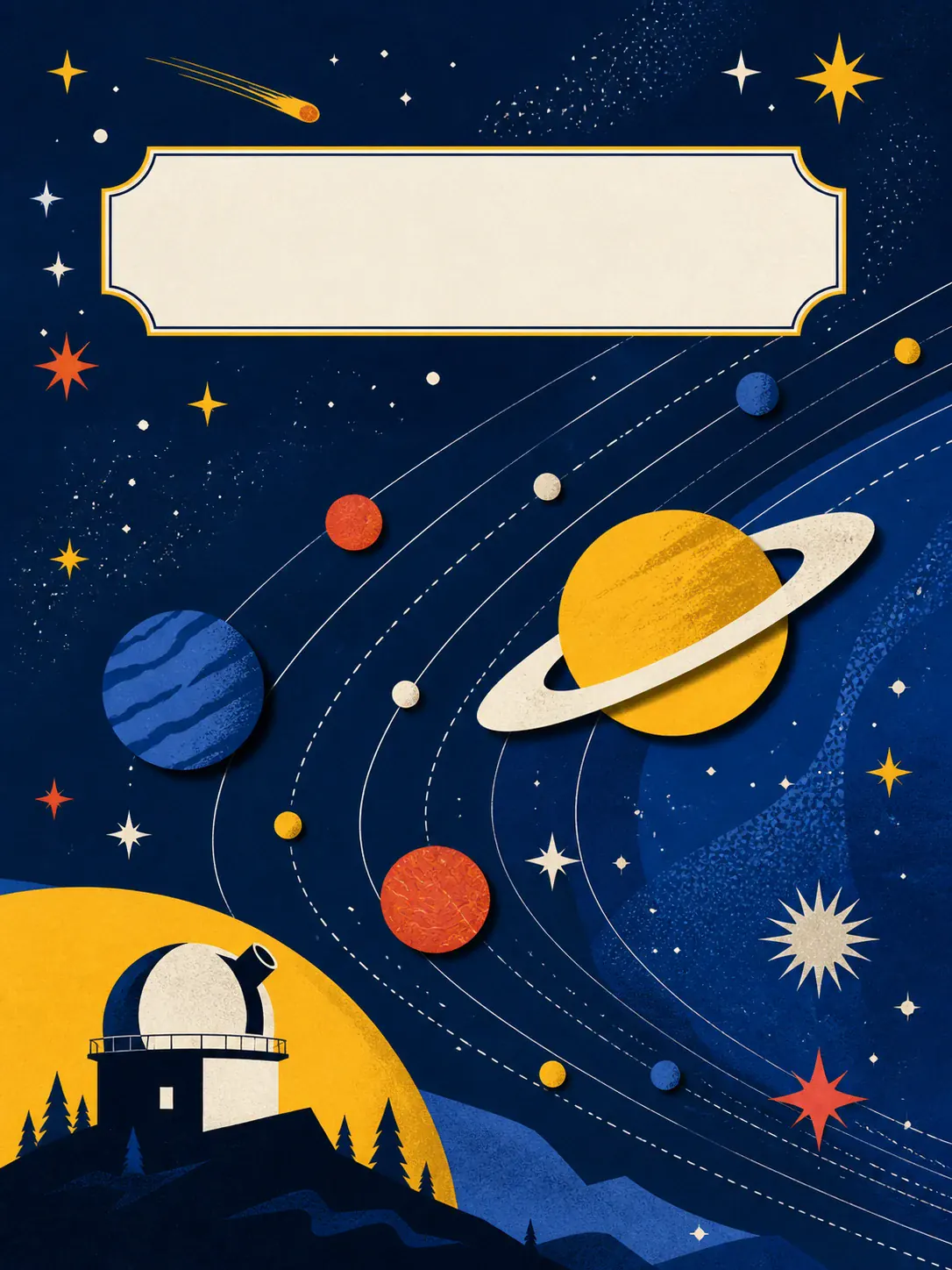
Give science, math, reading, and project notebooks distinct visual systems so students can recognize each subject at a glance.

Build a cover around your mood, palette, and favorite imagery instead of settling for a generic notebook template.
02Journal Cover Capabilities
A useful journal cover maker should give you a strong visual starting point without hiding the title, sizing, and publishing decisions that still need review.
Describe the journal type, audience, theme, imagery, palette, and title placement, or choose a focused example and rewrite the details for your own cover.
When exact lettering matters, ask for a quiet title area and no generated words. Add the journal name in FigEditor so it stays crisp, readable, and correctly spelled.
Use 3:4 or 4:5 for most journal fronts, choose 1K for exploration or a supported higher resolution for a polished draft, then place the artwork in the exact printable or publisher template before export.
A digital front cover, a home-printed sleeve, and a KDP paperback wrap are not the same file. Generate the artwork here, then finish it for the destination that matters.
The generator creates cover artwork. It does not automatically calculate a KDP spine or full-wrap dimensions; use the current KDP cover template for the final publishing file.
Use a portrait composition, add the final title in FigEditor, and export a clean front image for a digital notebook, project cover, or online preview.
Check: title readability at thumbnail size
Choose a ratio close to the paper, keep important artwork away from the edges, and place the generated cover on an A5 or A4 canvas with the trim margin your printer needs.
Check: crop, trim margin, and final print resolution
Download the KDP template for the exact binding, trim size, paper, and page count. Use the generated art on the front, then build the back and spine inside that template at 300 DPI.
Check: bleed, safe zone, spine width, barcode area, and 300 DPI
Review Amazon KDP cover requirementsMove quickly from a vague visual idea to cover art you can judge, refine, and prepare for a real notebook or publishing workflow.
Turn a theme and palette into a concrete cover draft instead of searching through hundreds of unrelated templates.
Faster Visual Exploration
Name the journal type, audience, mood, colors, imagery, and style. The examples show the level of detail that produces a more useful draft.
No Design Brief Required
The generator updates the credit cost when you change the model or resolution, so the price is visible before the cover draft starts.
Transparent Credits
Generate artwork without embedded lettering, then add a real text layer so the title is legible, correctly spelled, and easier to revise.
Crisp Title Workflow
Specify the audience, subject, palette, visual hierarchy, and title area so the first draft follows a clear creative direction.
Prompt-Led Control
Treat the generated image as cover art, then verify crop, bleed, spine, safe zones, licensing, and export specifications before publishing.
Honest Publishing Boundaries
Describe the cover, generate a portrait draft, then finish the title and exact size for the way you plan to use it.
Include the journal type, audience, theme, palette, one or two key visual elements, and the overall style. Ask for clean title space and no generated lettering.
Choose a model and editorial style, use 3:4 or 4:5 for most covers, select a supported resolution, and compare the result at both full size and thumbnail size.
Open the result in FigEditor, add or correct the title, adjust the composition, and place the artwork in the exact digital, printable, or KDP template before export.
Start with free credits, subscribe for regular figure creation, or purchase a credit pack for your next paper or presentation.
Continue with a related workflow
Choose a closely related FigEditor tool based on the source material, visual structure, or output you need next.
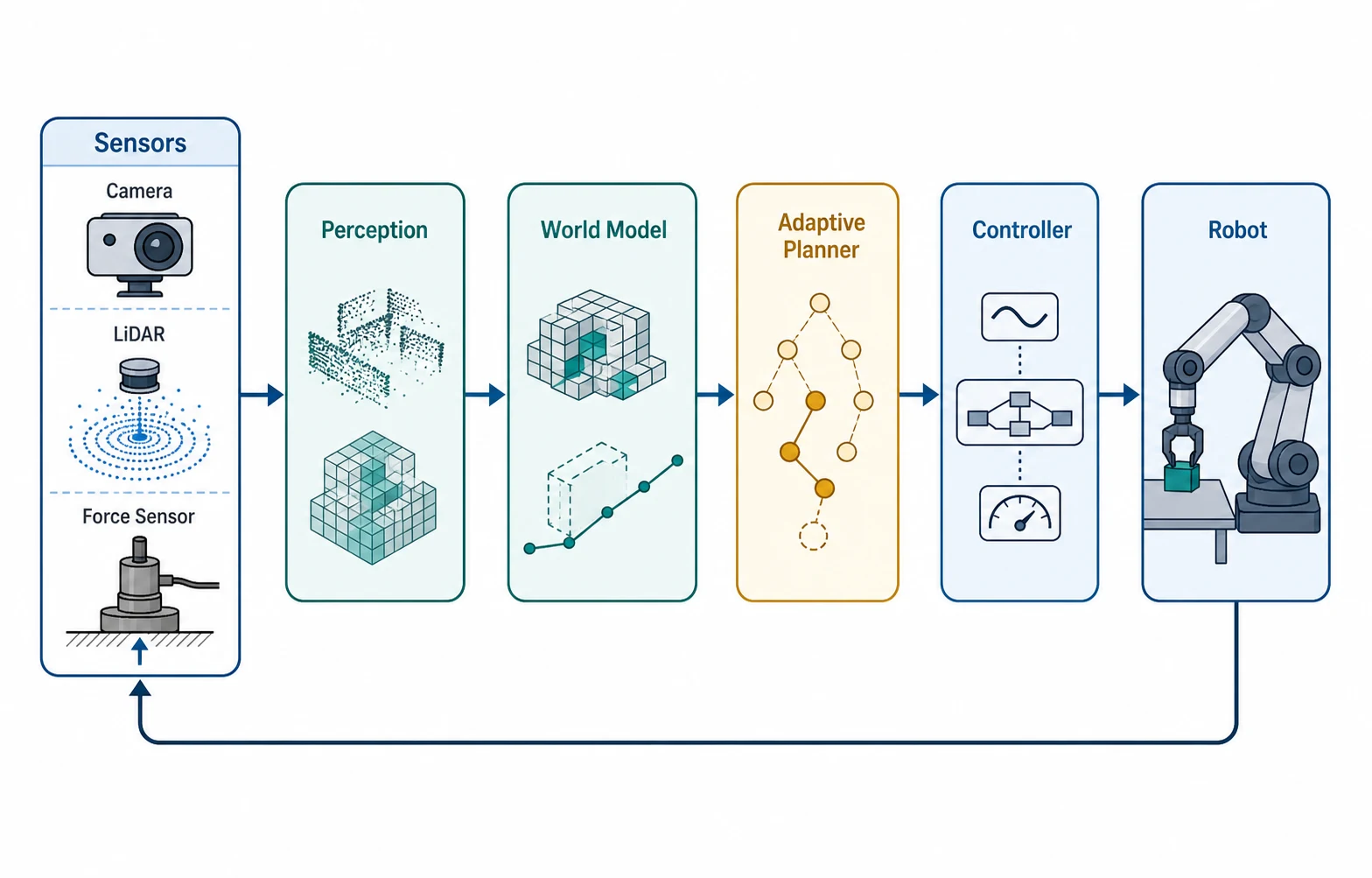
Build clear compositions with strong short-label and diagram rendering.
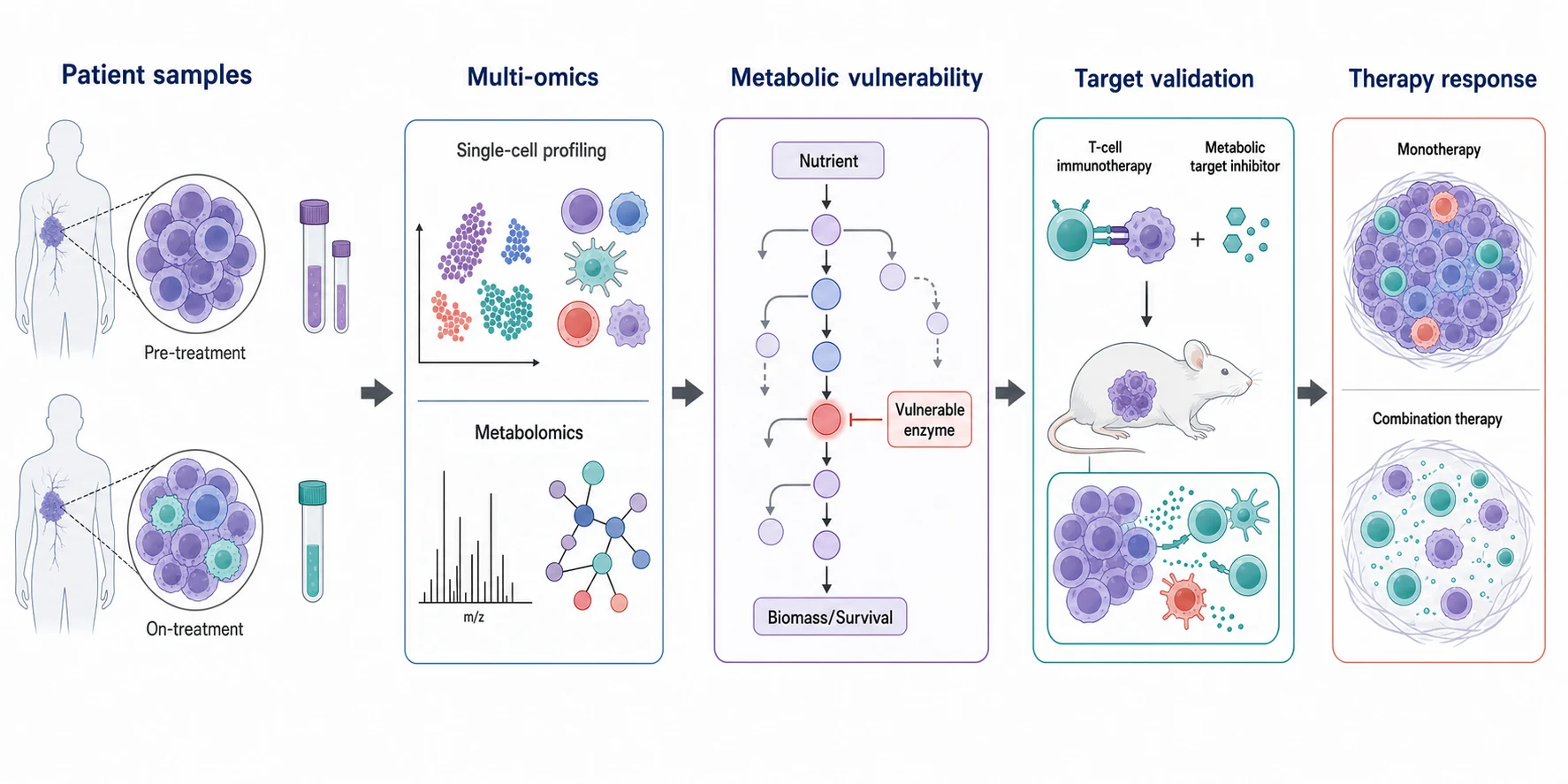
Create polished, high-resolution scientific illustrations with dense visual detail.
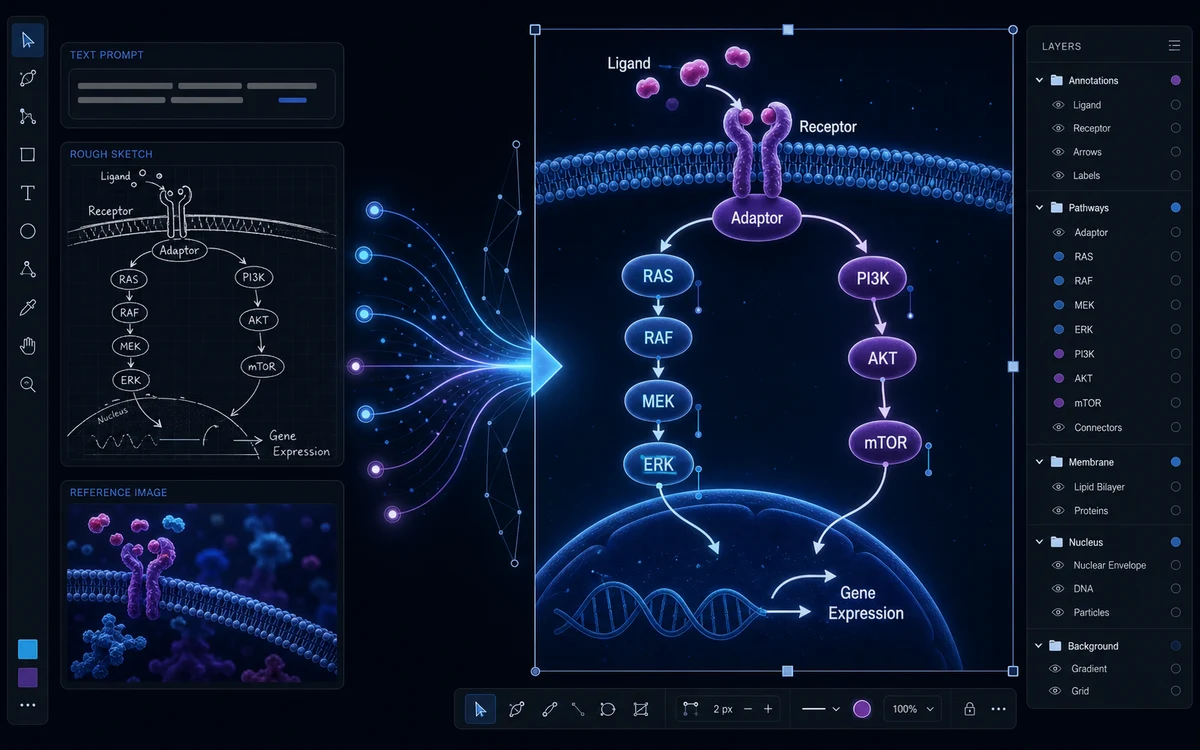
Generate precise scientific illustrations from a prompt, sketch, or reference—then refine them in one workspace.
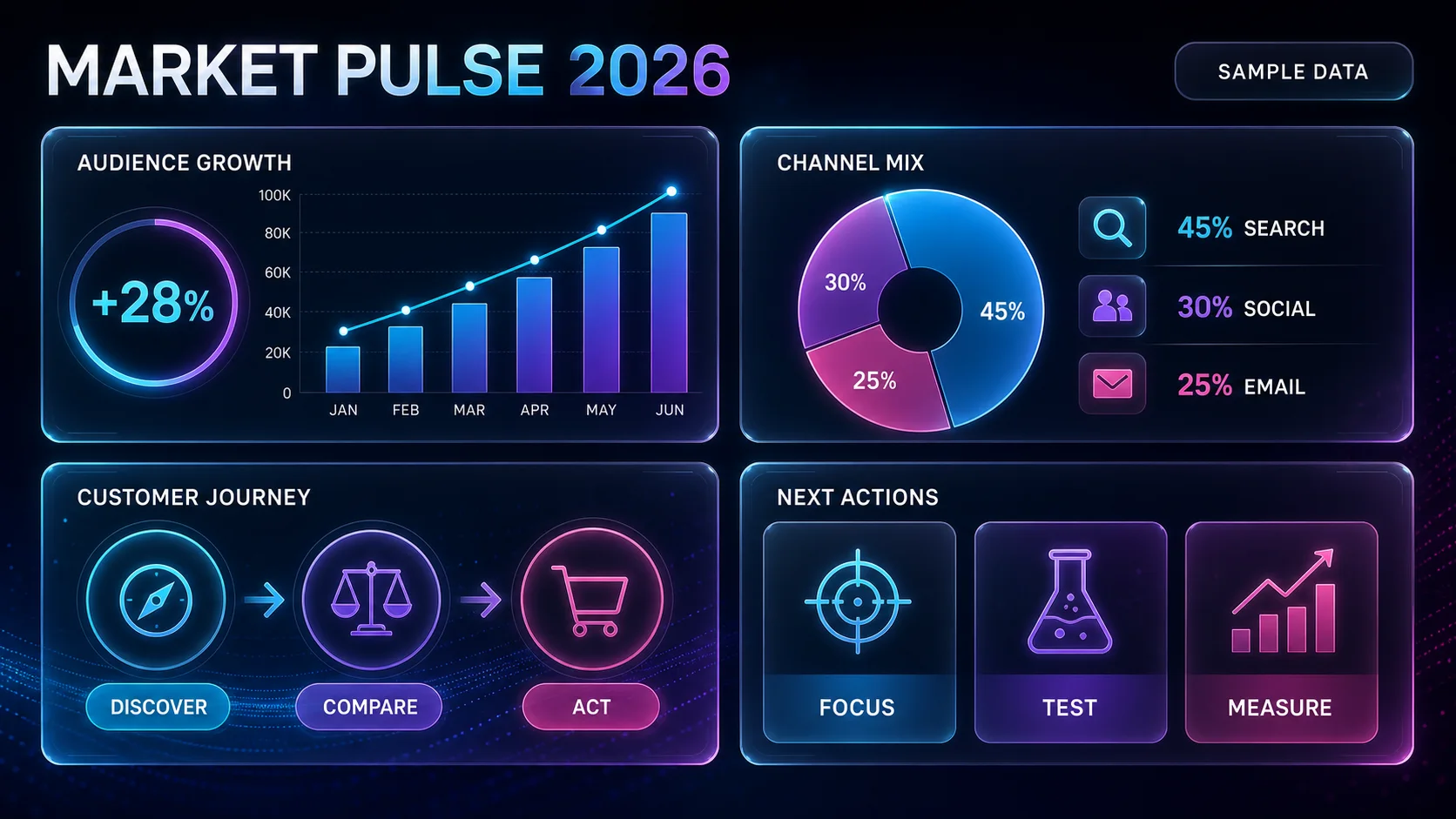
Turn text, facts, and data into a clear infographic, then refine the labels, hierarchy, and layout in FigEditor.
Clear answers about prompts, titles, sizes, printing, KDP, commercial use, and what to check before publishing.
Choose a real use case, describe the visual direction, generate title-safe cover art, and refine the final wording and size in FigEditor.
Powered by GPT Image 2
168 / 20,000 characters
GPT Image 2 · 1K output
Your cover will appear here
Describe your cover and click Generate Cover
Cancel anytime · Subscription credits are valid for 30 days
For individual researchers creating and refining publication-ready visuals
Included tools & models
Creation tools
 Paper Banana
 AI Scientific Illustration
 Scientific Poster Maker
Image models
 Nano Banana
 Nano Banana 2
 Nano Banana Pro
 GPT Image 2
For frequent research, publishing, and client work with commercial use
Included tools & models
Creation tools
Paper BananaAI Scientific IllustrationScientific Poster MakerImage models
Nano BananaNano Banana 2Nano Banana ProGPT Image 2For labs, teams, and agencies producing scientific visuals at high volume
Included tools & models
Creation tools
Paper BananaAI Scientific IllustrationScientific Poster MakerImage models
Nano BananaNano Banana 2Nano Banana ProGPT Image 2