
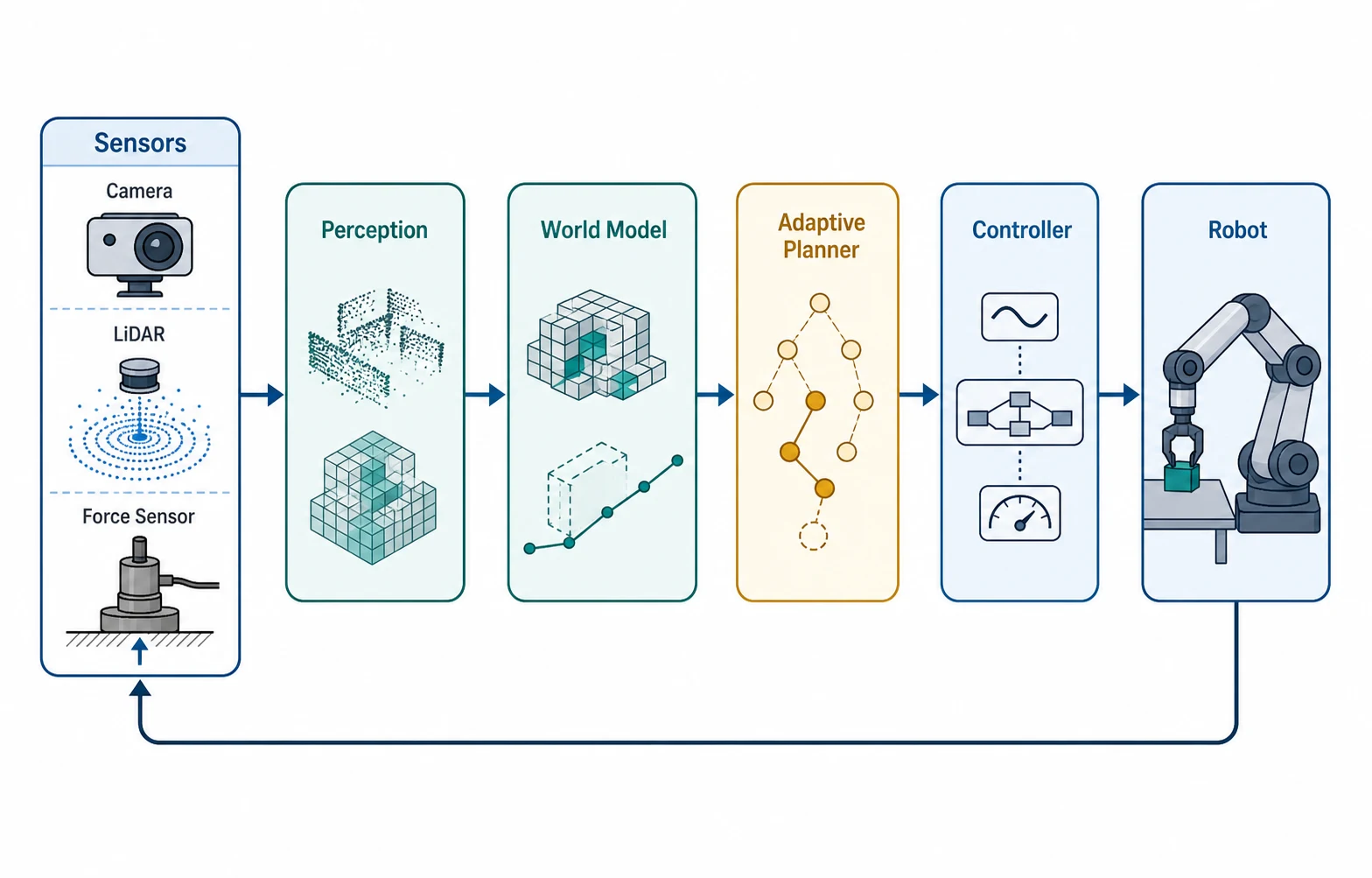
Follow Layered Methods Instructions
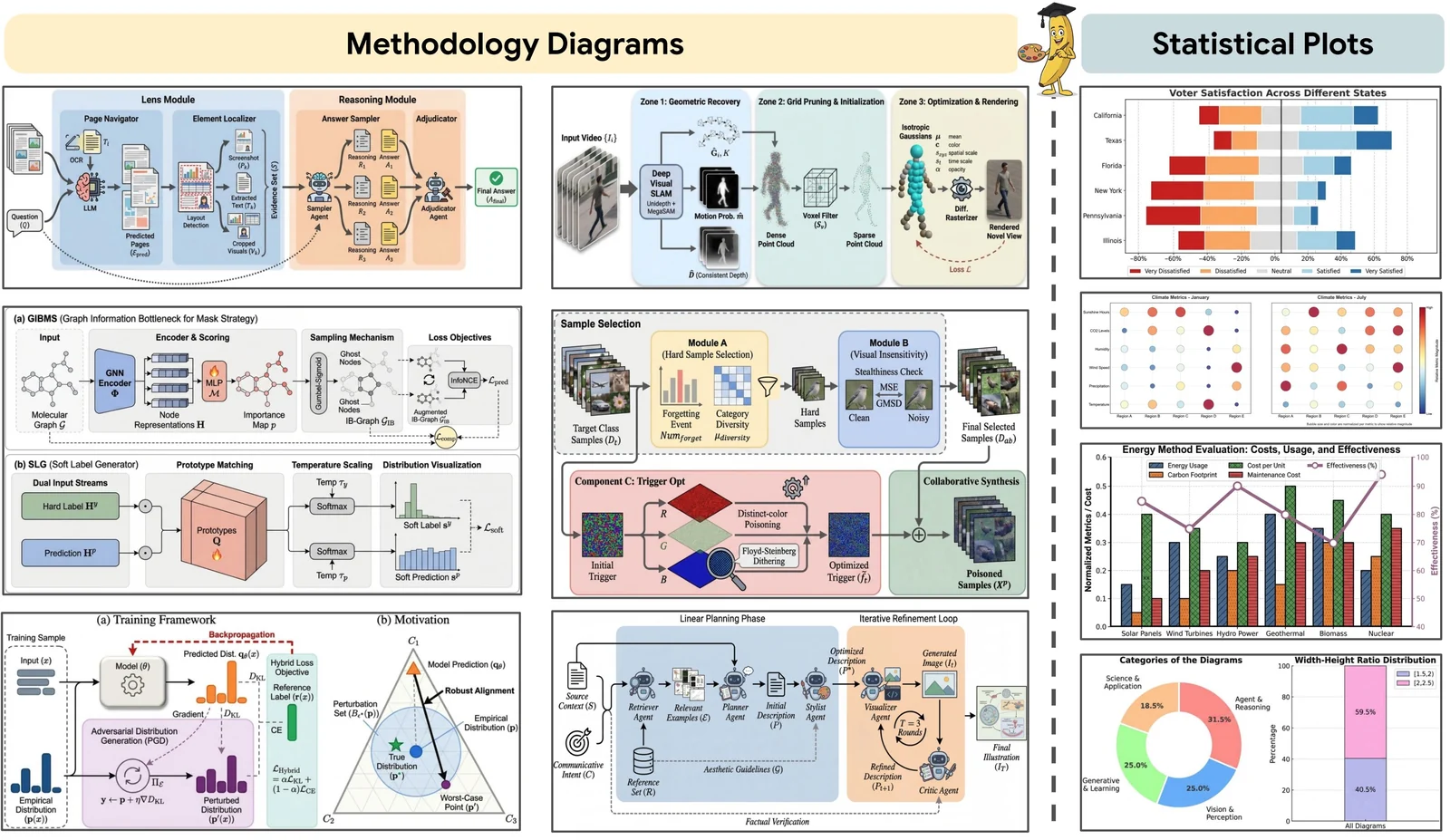
Turn algorithms, workflows, and system descriptions into technical figures with specified modules, connectors, labels, legends, and panel order.
GPT Image 2, OpenAI's image generation model, is available in FigEditor for layered instructions, text-heavy layouts, and high-fidelity reference editing with fewer retries.
Select an academic example to reuse its prompt for a methods figure, results panel, evidence flow, or graphical abstract.
Use an instruction-focused model when one figure must coordinate exact copy, multiple panels, preserved references, and precise local edits.
Turn algorithms, workflows, and system descriptions into technical figures with specified modules, connectors, labels, legends, and panel order.
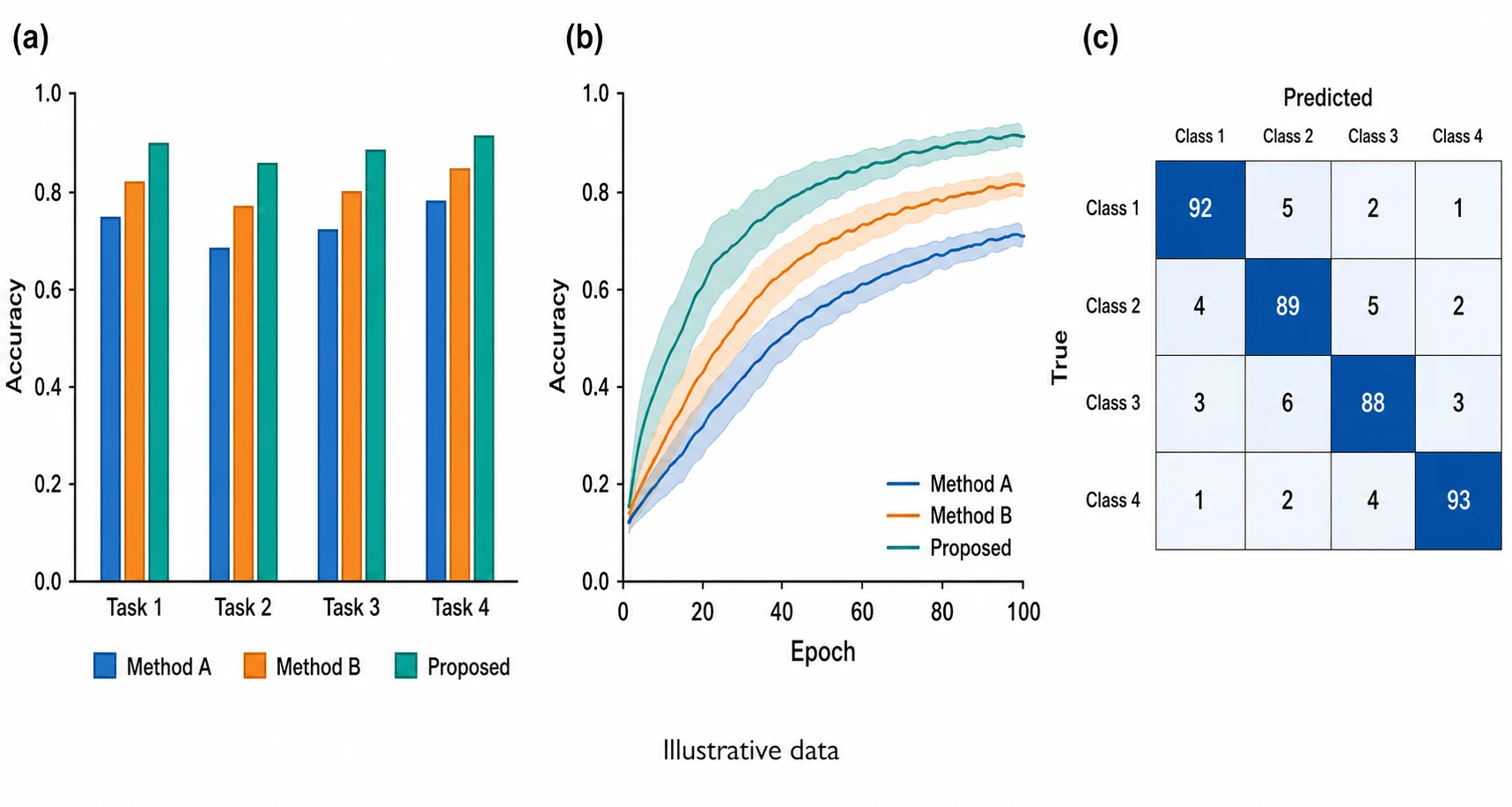
Coordinate headings, annotations, callouts, and illustrative panels without reducing the prompt to a single visual idea.
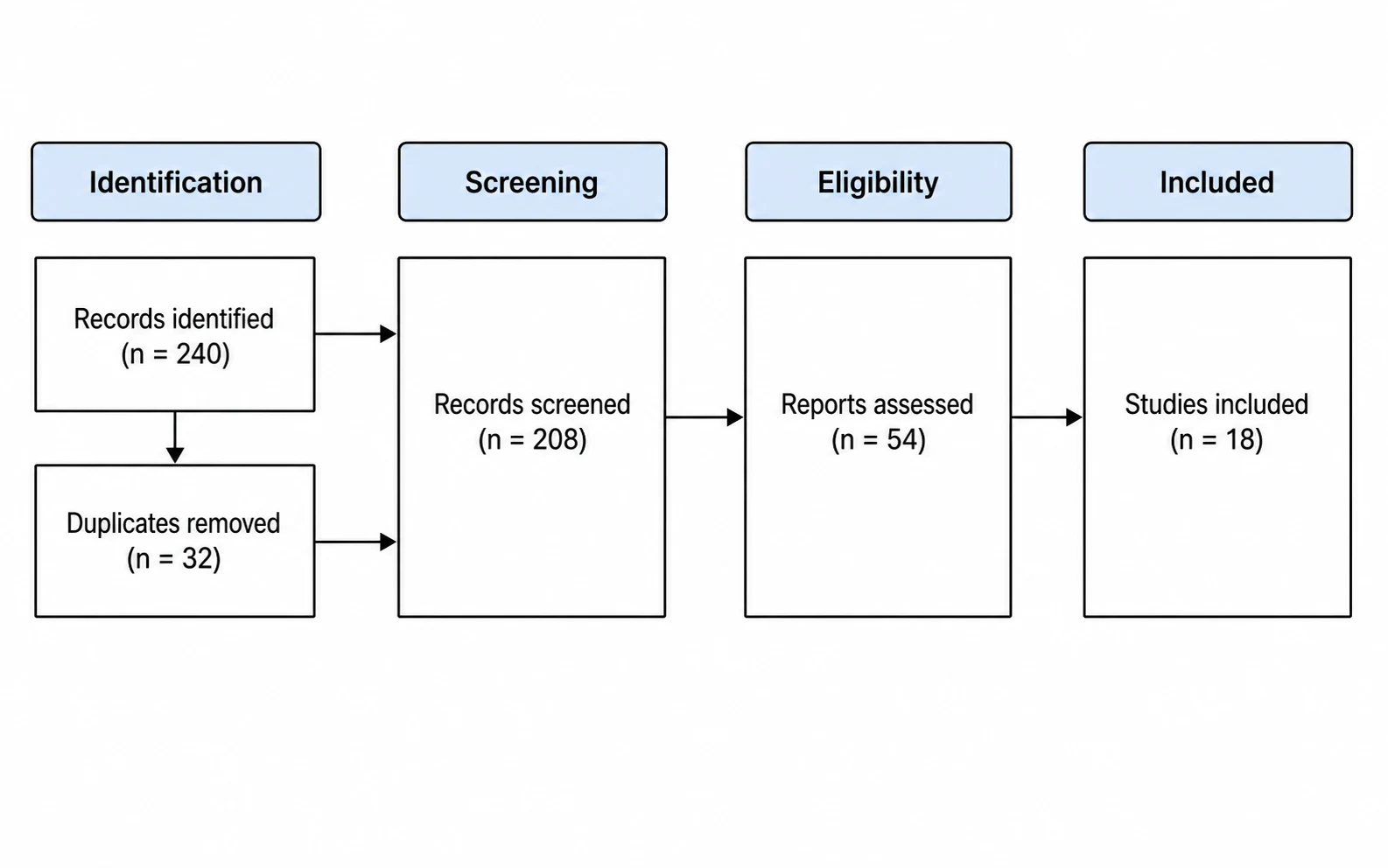
Revise one section of a source figure while asking the model to retain the important identity, layout, branding, or structure of the input.
Model strengthsGPT Image 2
Give the model a complete visual specification and preserve more of the source material when the task shifts from generation to revision.
Specify headings, labels, legends, and annotations together for diagrams and explanatory figures where text is part of the visual system.
Describe panel order, alignment, spacing, connectors, emphasis, and exclusions in one prompt for a more predictable academic layout.
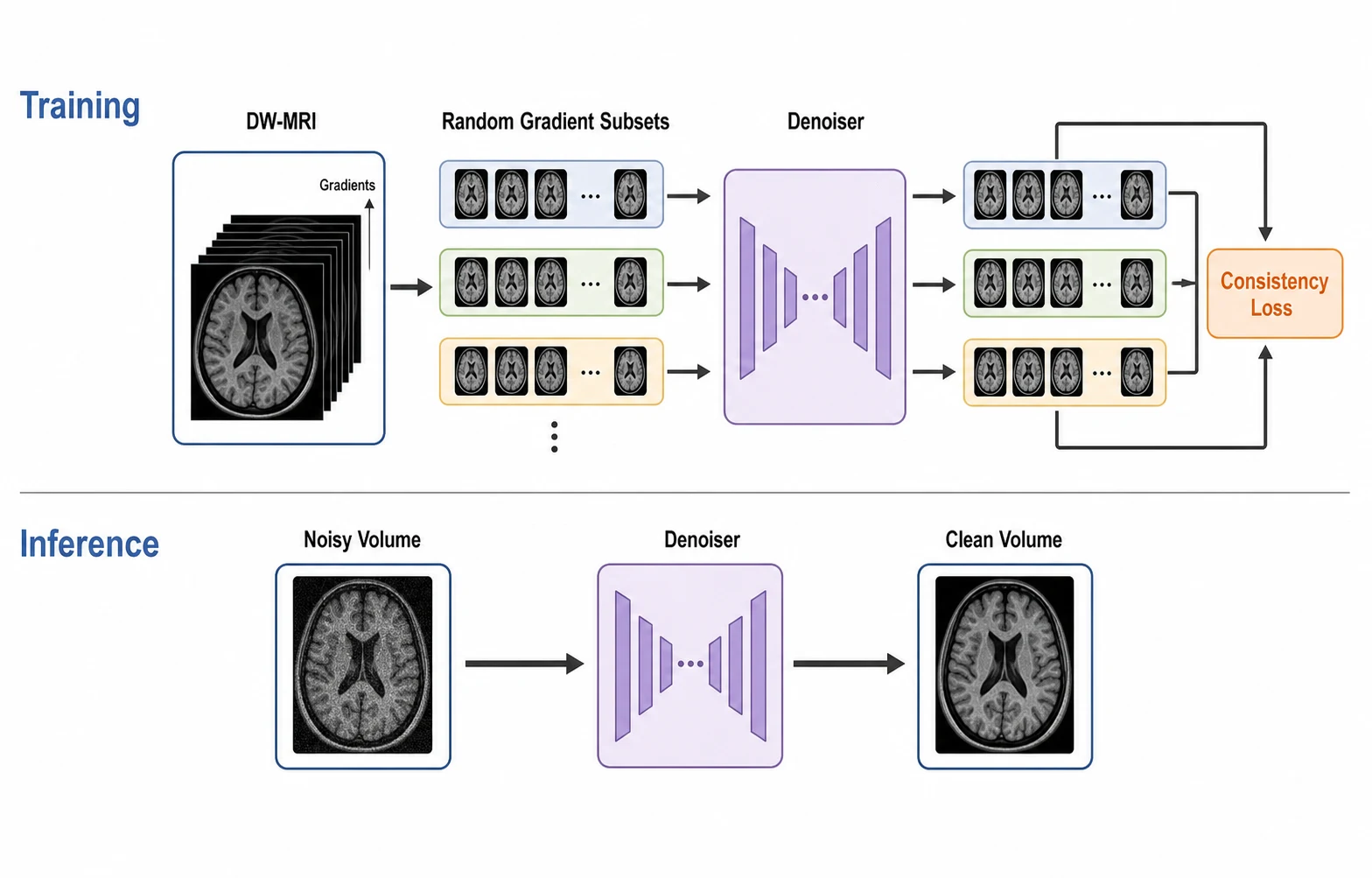
Assign references to source structure, object identity, layout, content, or visual direction so targeted revisions keep the details that matter.
Reduce avoidable redraws on complex figure briefs while retaining researcher oversight for every scientific claim.
Keep more constraints in one prompt so fewer revisions are spent recovering omitted panels, labels, or relationships.
Fewer Retries
Ask for focused changes to layout, terminology, arrows, palette, and emphasis.
Conversational Editing
Match credit use to early drafts, polished figures, or dense 4K layouts.
Resolution Pricing
Use focused inputs to retain recognizable subjects, product details, layout, or visual context during targeted edits.
High-Fidelity Inputs
Use flexible square, portrait, landscape, and ultra-wide formats.
Broad Ratio Support
Review claims, labels, axes, arrows, anatomy, and evidence before sharing.
Researcher Review
Enter the complete research structure, upload sources for fidelity, then compare the output with every stated constraint.
Paste the methods, caption, or structured outline, including the intended audience, figure purpose, required entities, and relationships.
Assign source images a clear role, then specify exact text, panel order, arrow direction, aspect ratio, resolution, and exclusions.
Check terminology, values, claims, accessibility, and visual integrity before export or publication.
Start with free credits, subscribe for regular figure creation, or purchase a credit pack for your next paper or presentation.
Continue with a related workflow
Choose a closely related FigEditor tool based on the source material, visual structure, or output you need next.

Create custom journal and notebook cover art from a prompt or your own image, then refine the title and layout in FigEditor.
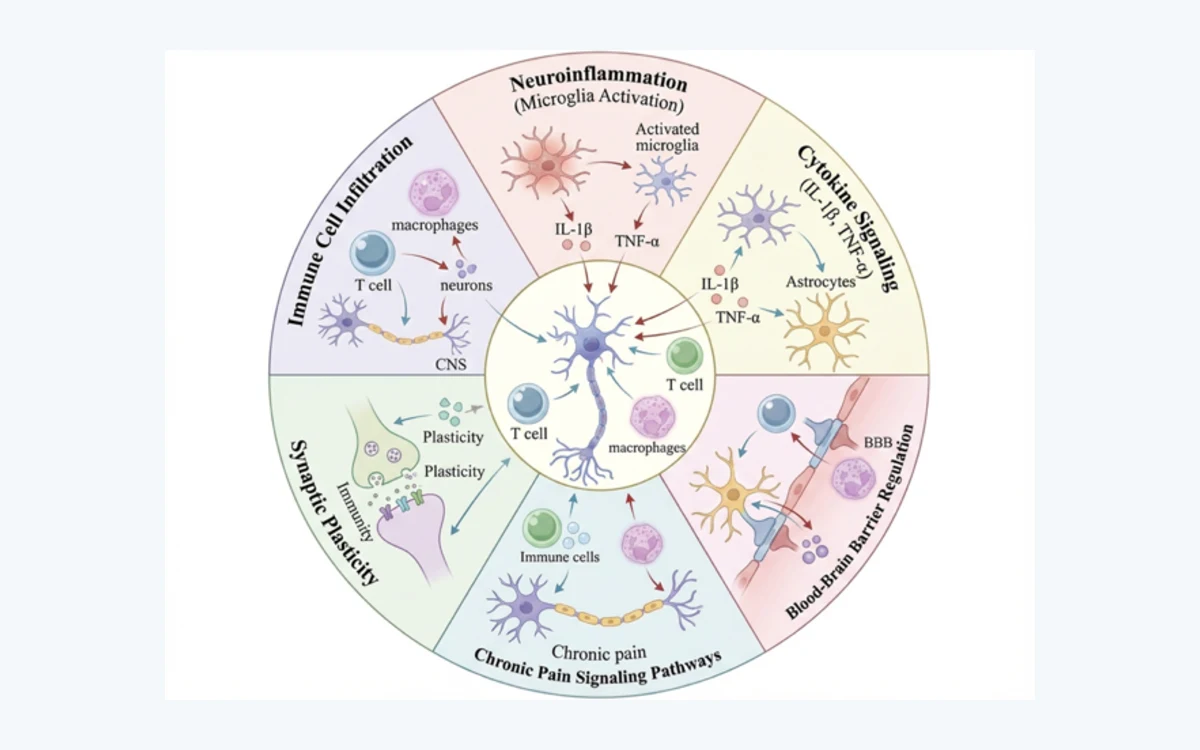
Turn a research summary into a clear graphical abstract, then refine the labels, arrows, and layout in FigEditor.
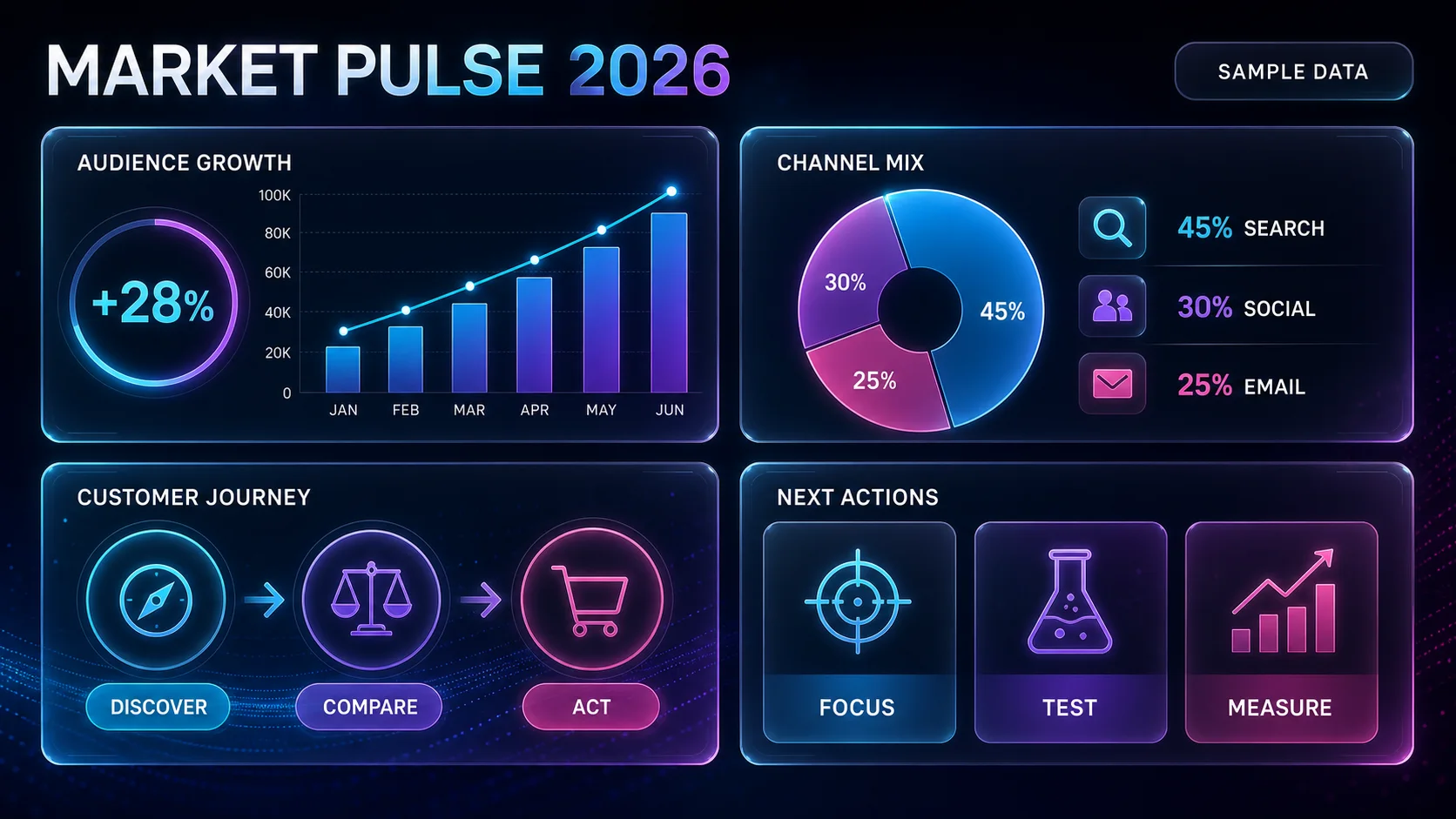
Turn text, facts, and data into a clear infographic, then refine the labels, hierarchy, and layout in FigEditor.
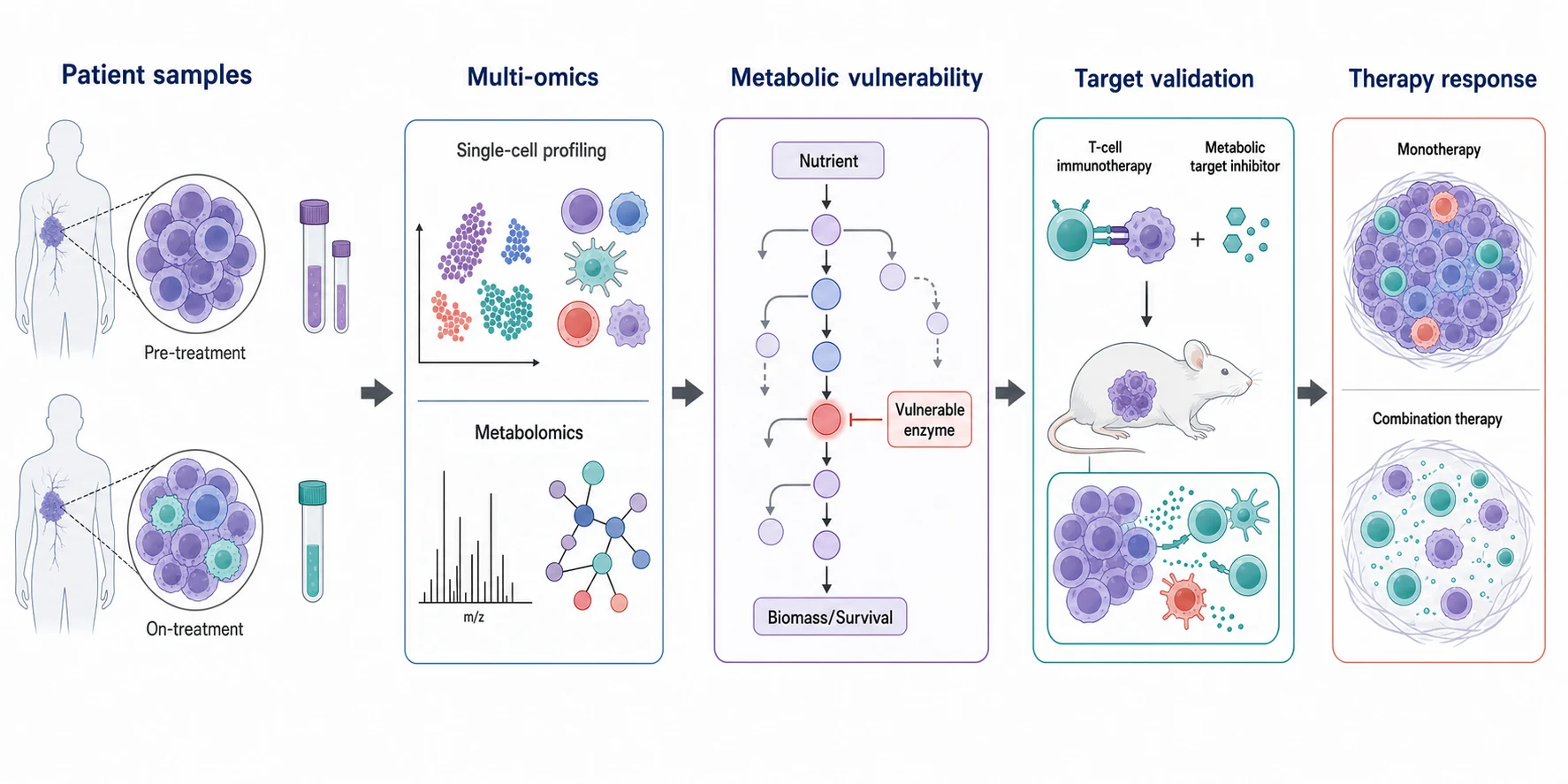
Create polished, high-resolution scientific illustrations with dense visual detail.
Answers about layered prompts, text rendering, high-fidelity editing, resolution limits, and responsible academic use.
Use GPT Image 2 for layered scientific prompts, text-heavy layouts, and high-fidelity reference edits that are easier to review.
One-time credits never expire · Paid feature access included
Supports
Included tools & models
Creation tools
 Paper Banana
 AI Scientific Illustration
 Scientific Poster Maker
Image models
 Nano Banana
 Nano Banana 2
 Nano Banana Pro
 GPT Image 2
Supports
Included tools & models
Creation tools
Paper BananaAI Scientific IllustrationScientific Poster MakerImage models
Nano BananaNano Banana 2Nano Banana ProGPT Image 2Supports
Included tools & models
Creation tools
Paper BananaAI Scientific IllustrationScientific Poster MakerImage models
Nano BananaNano Banana 2Nano Banana ProGPT Image 2Supports
Included tools & models
Creation tools
Paper BananaAI Scientific IllustrationScientific Poster MakerImage models
Nano BananaNano Banana 2Nano Banana ProGPT Image 2
