





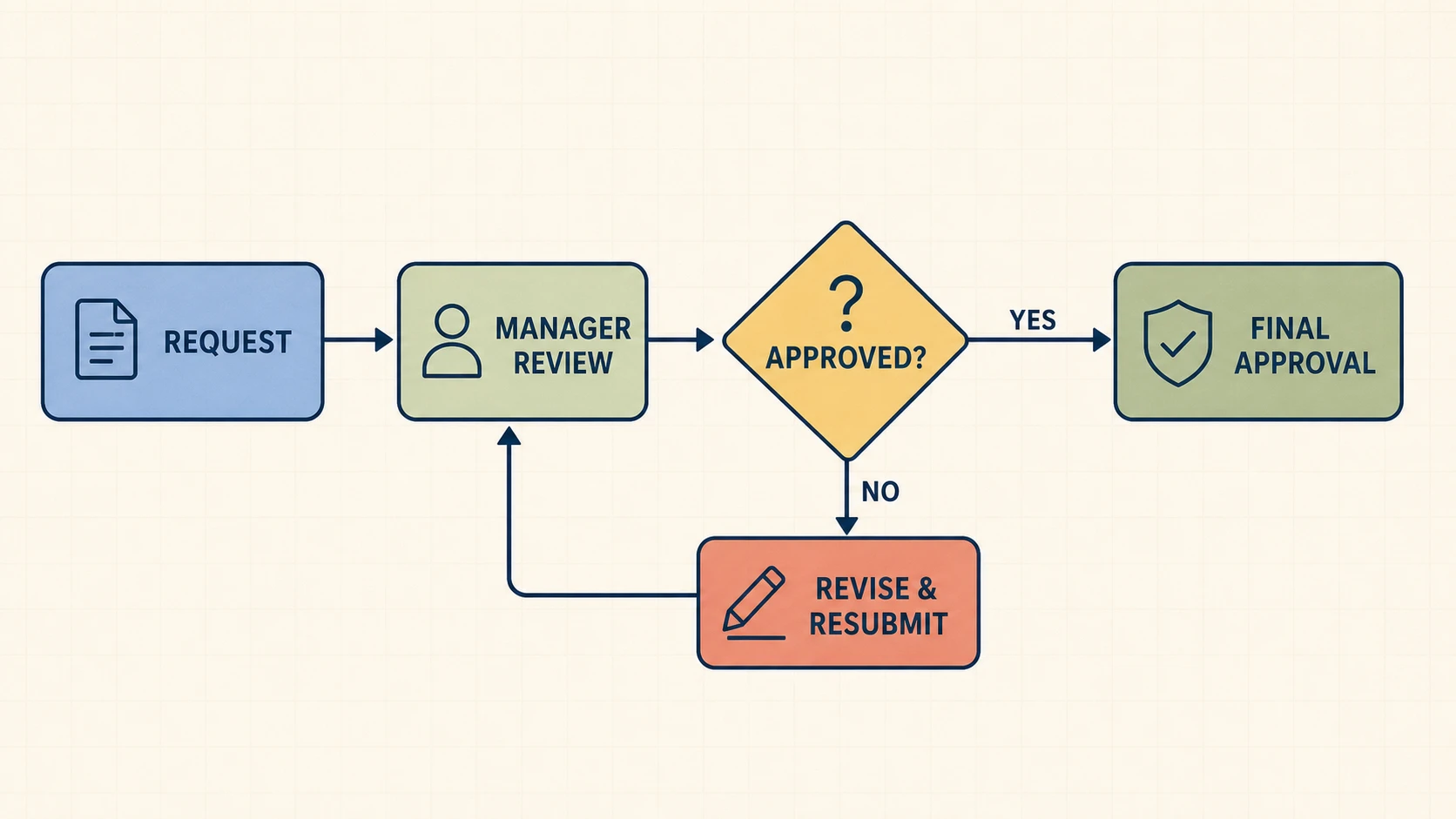
Document Business Processes
Turn an approval, onboarding, support, or SOP description into a process map that makes owners, decisions, and rework paths easier to review.
FigEditor's AI Flowchart Generator turns a plain-English process into a polished flowchart image. Choose an image model, preserve labeled decisions and loops, and download the result in high resolution.
Start from a process that resembles your own, then replace the steps, decisions, and outcomes with your exact workflow.
Use the same text-to-flowchart workflow for operational documentation, technical logic, and academic methods.
Turn an approval, onboarding, support, or SOP description into a process map that makes owners, decisions, and rework paths easier to review.
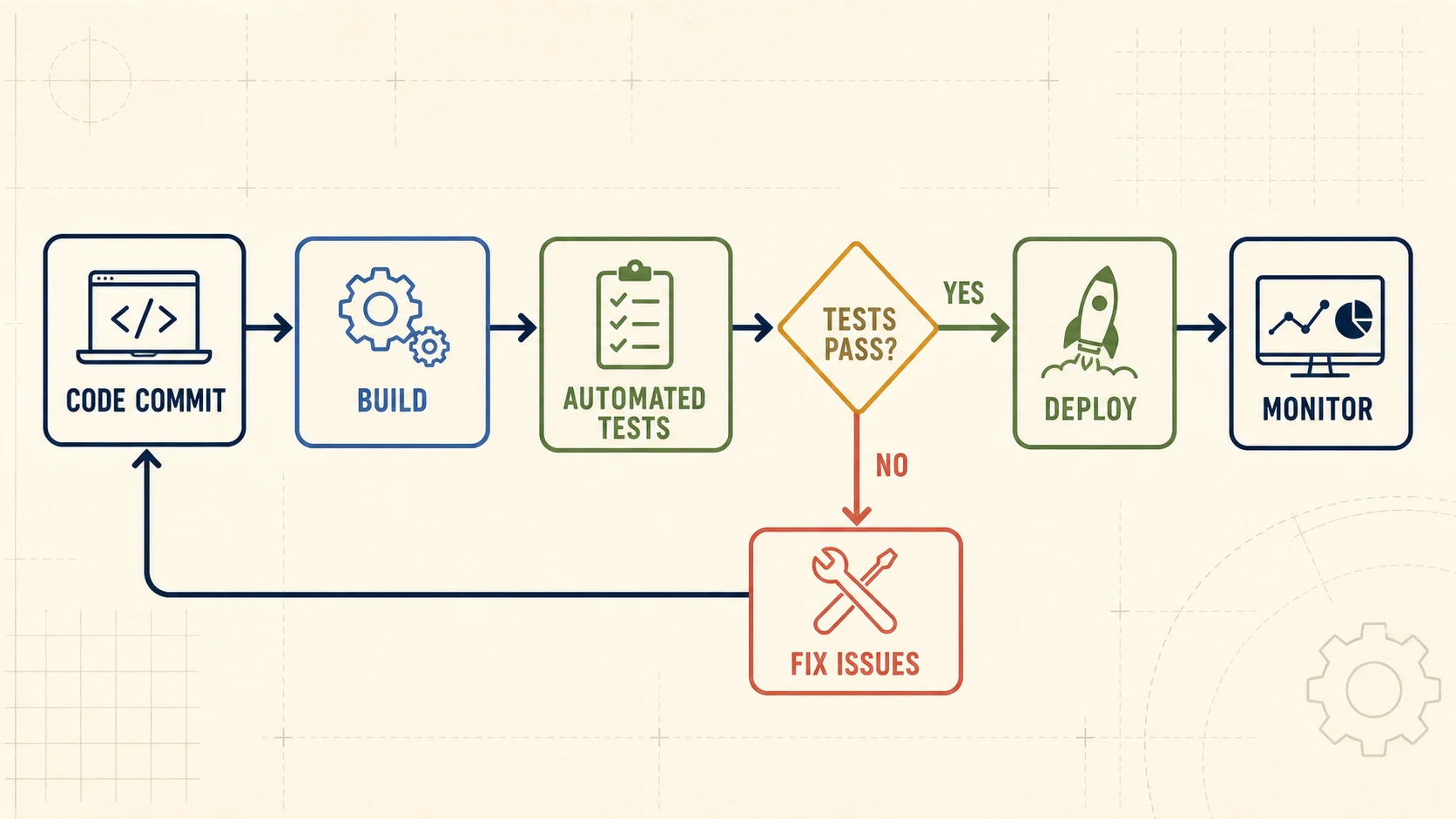
Explain validation, retry logic, CI/CD, user flows, and decision-heavy algorithms without arranging every box and connector by hand.
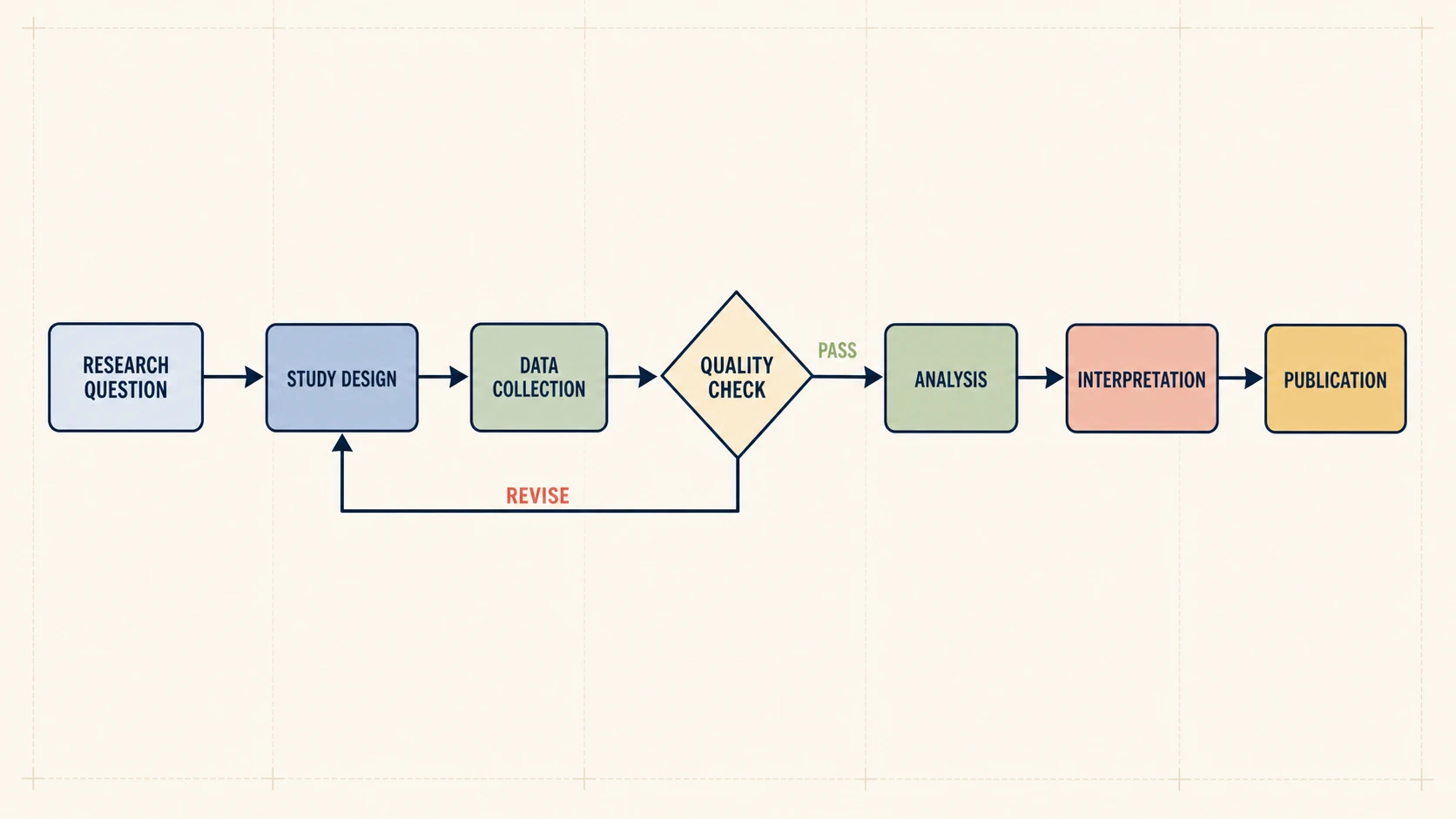
Show study design, data collection, quality checks, analysis, and revision loops in a clean figure for papers, proposals, or presentations.
02Flowchart Intelligence
A useful AI flowchart maker should keep branching logic readable while producing a polished image you can review, download, and refine.
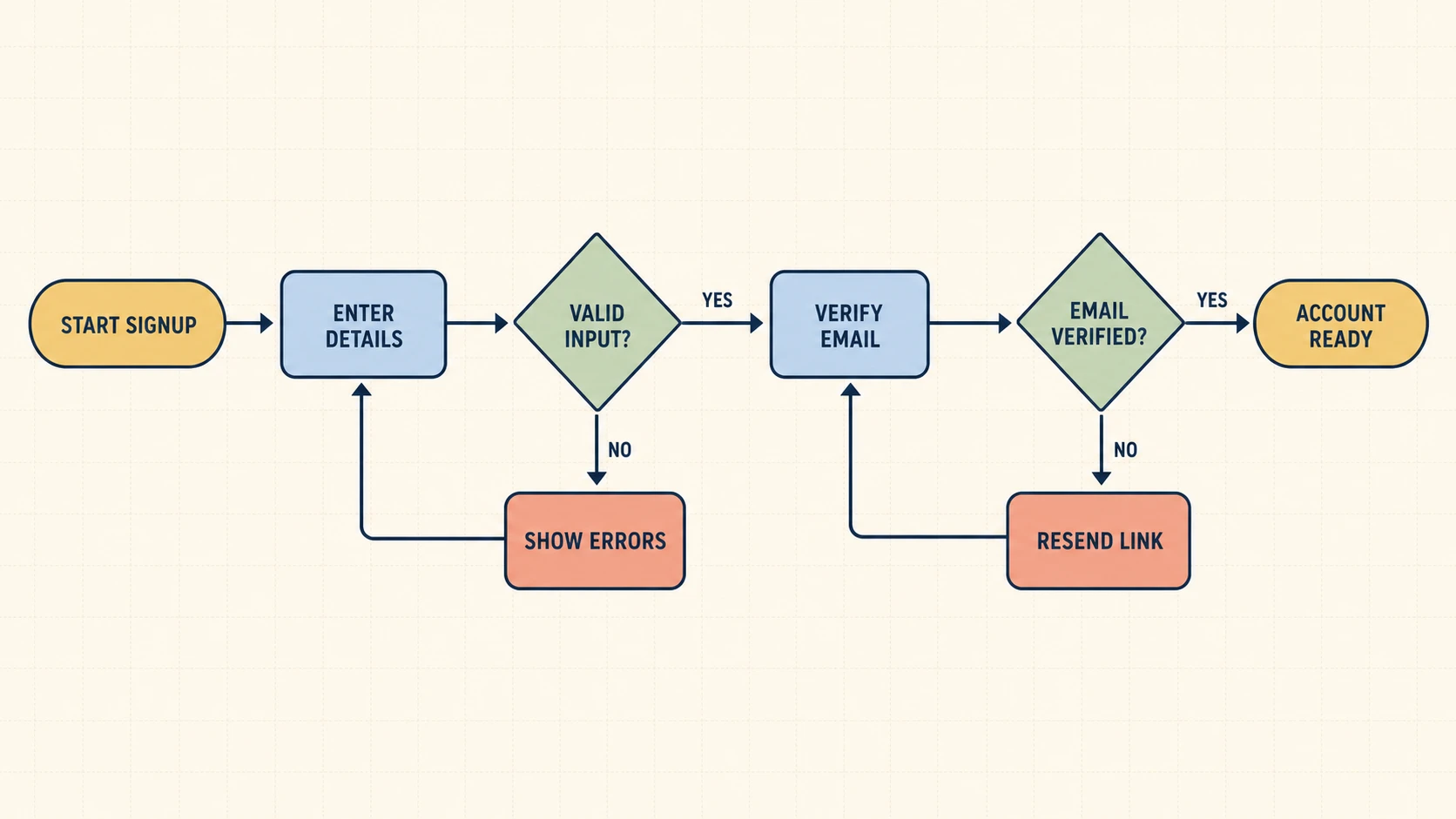
Describe a decision as a question and state each outcome. The draft separates the paths, labels the branches, and keeps error routes connected to the correct recovery step.
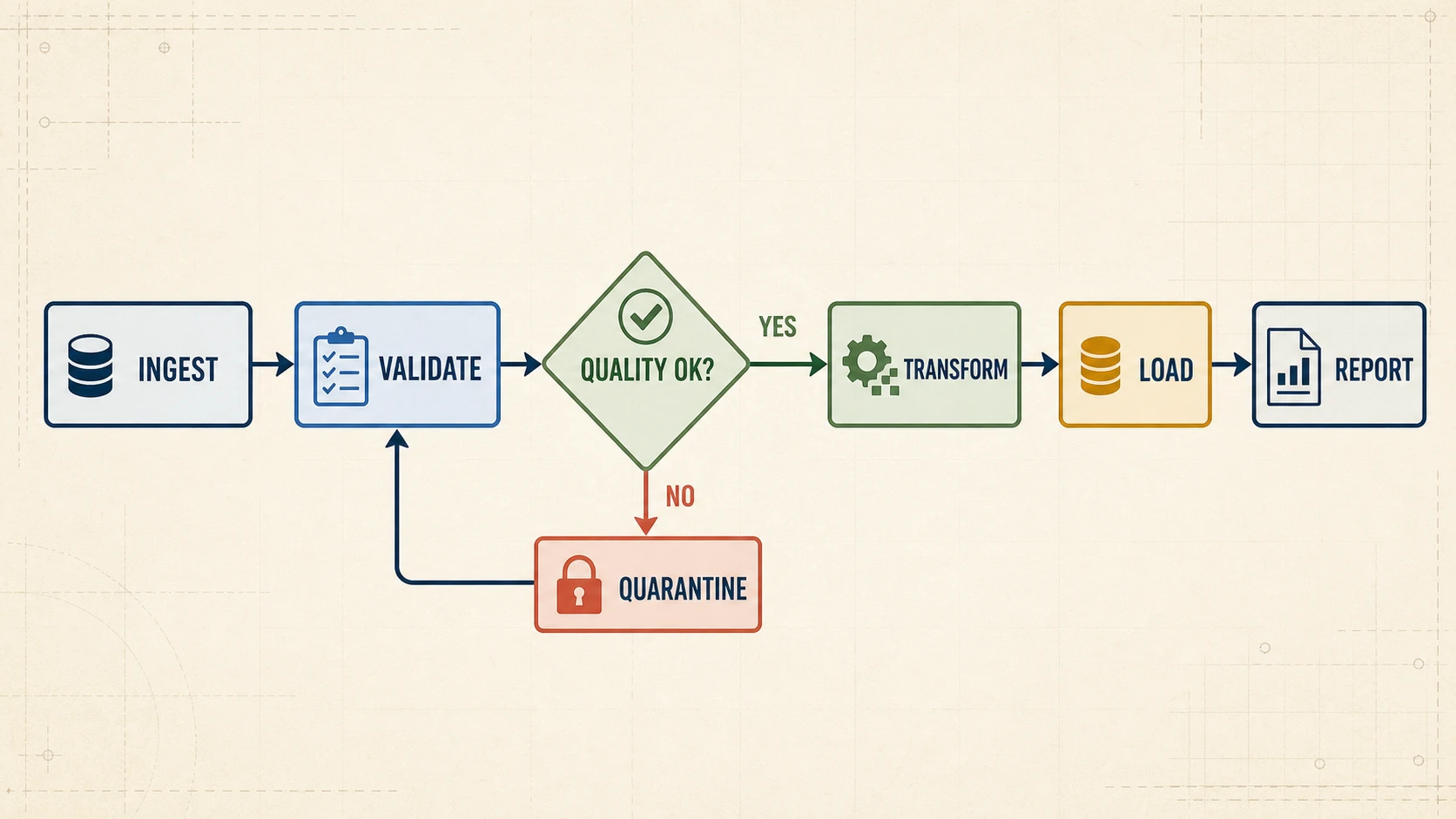
Show what happens when a test fails, data needs review, or a user must correct an input. Loop-back connectors stay visible instead of being flattened into a one-way list.
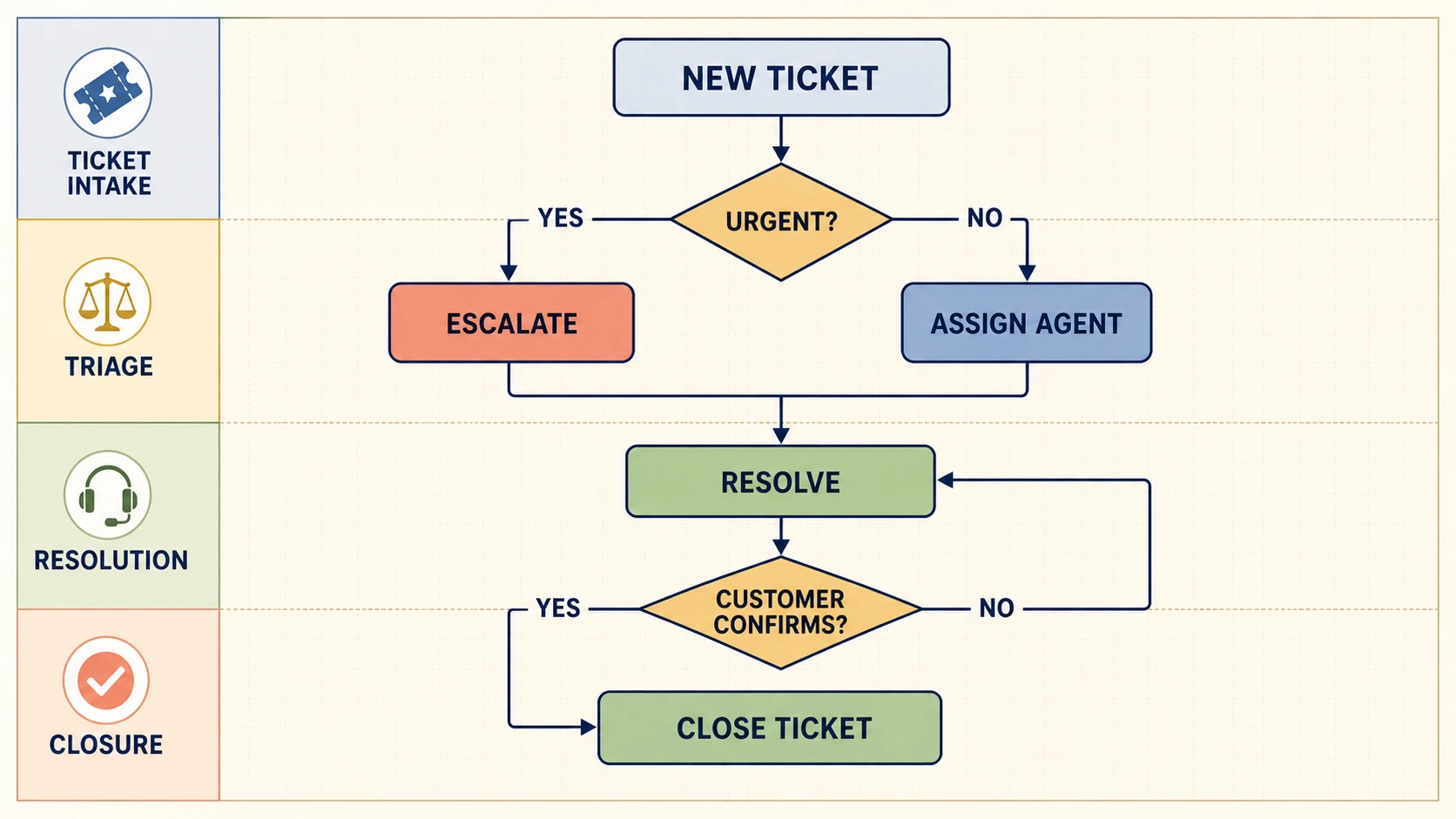
Open the generated result in FigEditor for image-level AI edits, visual cleanup, annotations, and additional iterations without rebuilding the prompt from scratch.
Move from a written process to a polished visual without drawing every box, branch, and return path manually.
Start from a complete first draft instead of manually adding, aligning, and reconnecting every shape.
Faster first draft
Describe steps and conditions in the language your team already uses. No Mermaid, XML, or diagram syntax is required.
No code required
Choose the image model, aspect ratio, and resolution before generation so the credit cost and output format stay predictable.
Transparent workflow
A visual draft exposes missing outcomes, unclear handoffs, disconnected steps, and loops that return to the wrong place.
Reviewable structure
Open the result in FigEditor for image-level AI changes, visual cleanup, annotations, or another iteration based on the original process.
AI image editing
Save the generated flowchart for documents, presentations, knowledge bases, and review workflows, with watermark rules based on your plan.
High-resolution download
Choose the right workflow
General image AI can produce a quick concept but may miss flowchart conventions. Manual diagramming offers precise control but starts from a blank canvas. FigEditor combines specialized flowchart prompting with your choice of image model.
| Capability | Image-only AI | Manual diagramming | FigEditor workflow |
|---|---|---|---|
| First draft | Quick visual concept | Every shape and arrow added by hand | Prompt-engineered flowchart image from a process description |
| Decisions and loops | May be flattened or ambiguous | Built and checked manually | Explicit branches and loop-back paths requested by the system prompt |
| Direct editing | Often limited to pixel edits | Full control | Image-level AI edits after opening the result in FigEditor |
| Focused revisions | Often requires regeneration | Change each element yourself | Regenerate or continue with image-level refinement |
| Best fit | Fast visual concepts | Precision work with time to draw | Fast, polished flowchart images generated from text |
Describe the workflow, choose an image model and size, then review and download the generated flowchart.
Name the start and end, put actions in sequence, and write each decision as a question with the result of every branch.
Select an image model, aspect ratio, and resolution. FigEditor combines your process with a flowchart-specific system prompt and starts the image generation task.
Verify every label, arrow, branch, loop, owner, and endpoint. Download the image or open it in FigEditor for image-level refinement.
Continue with a related workflow
Choose a closely related FigEditor tool based on the source material, visual structure, or output you need next.
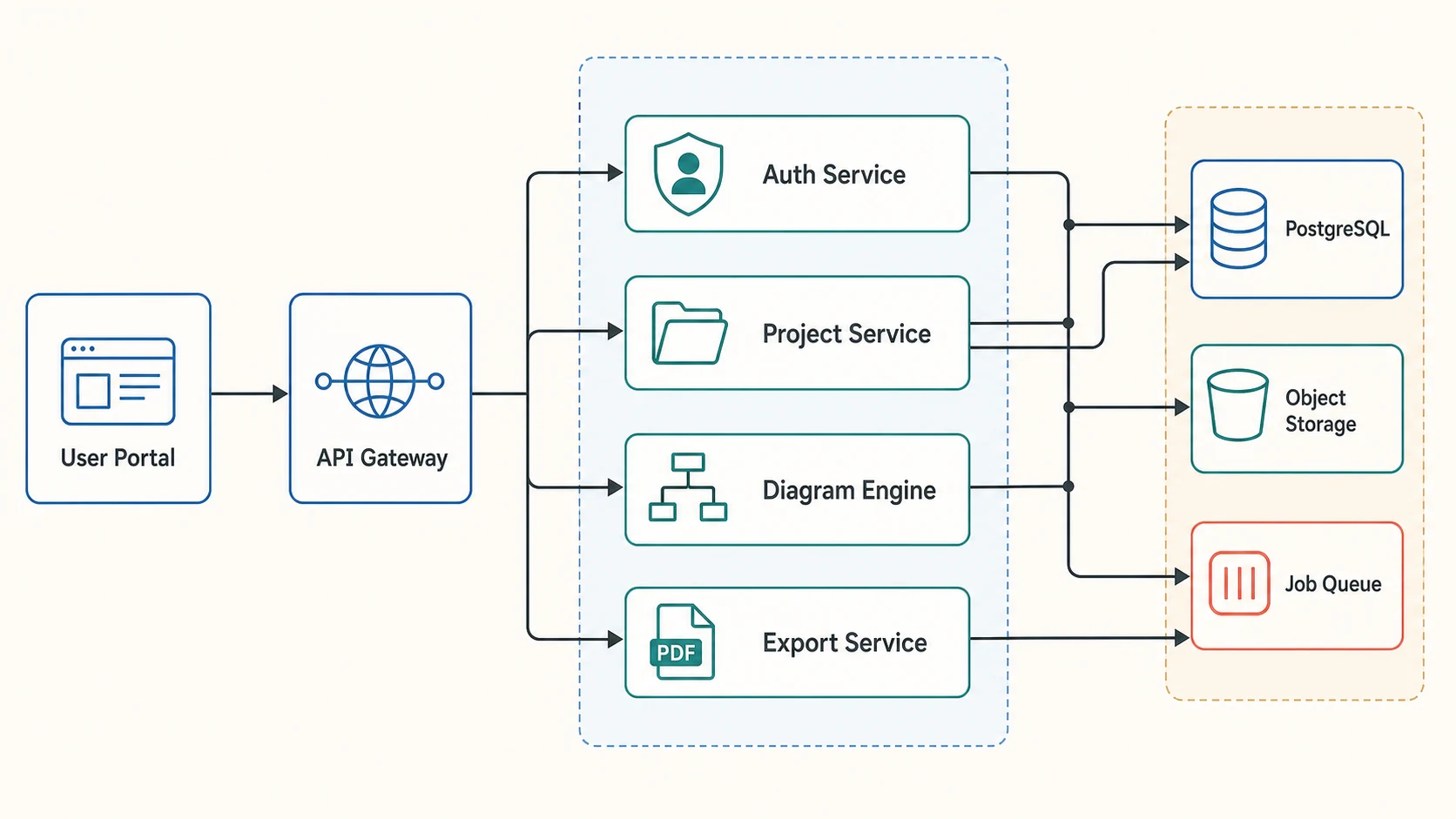
Turn plain text into an editable workflow, study design, or system diagram, then refine every label and connection.
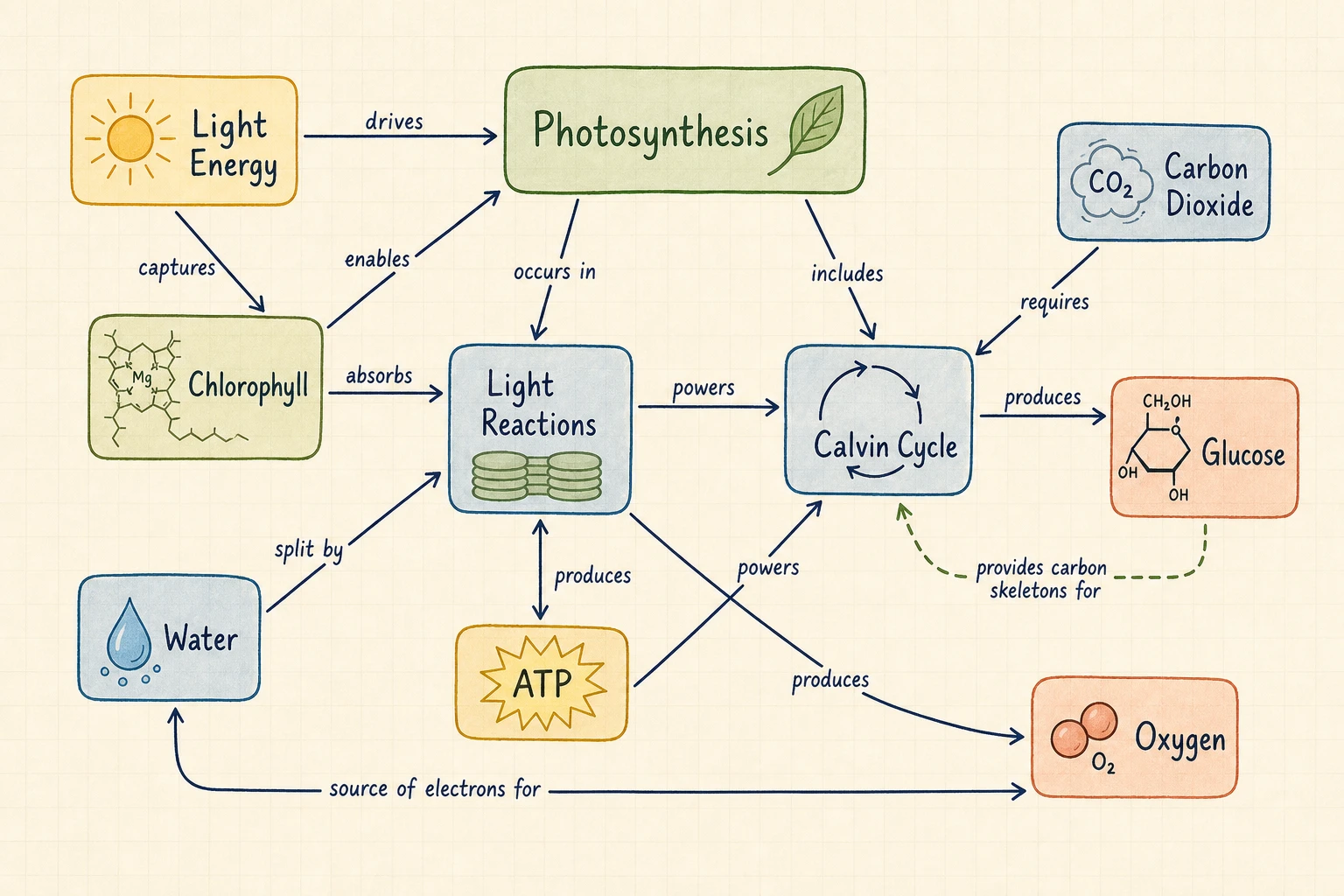
Turn a topic or text into a concept map with labeled relationships, propositions, and cross-links.
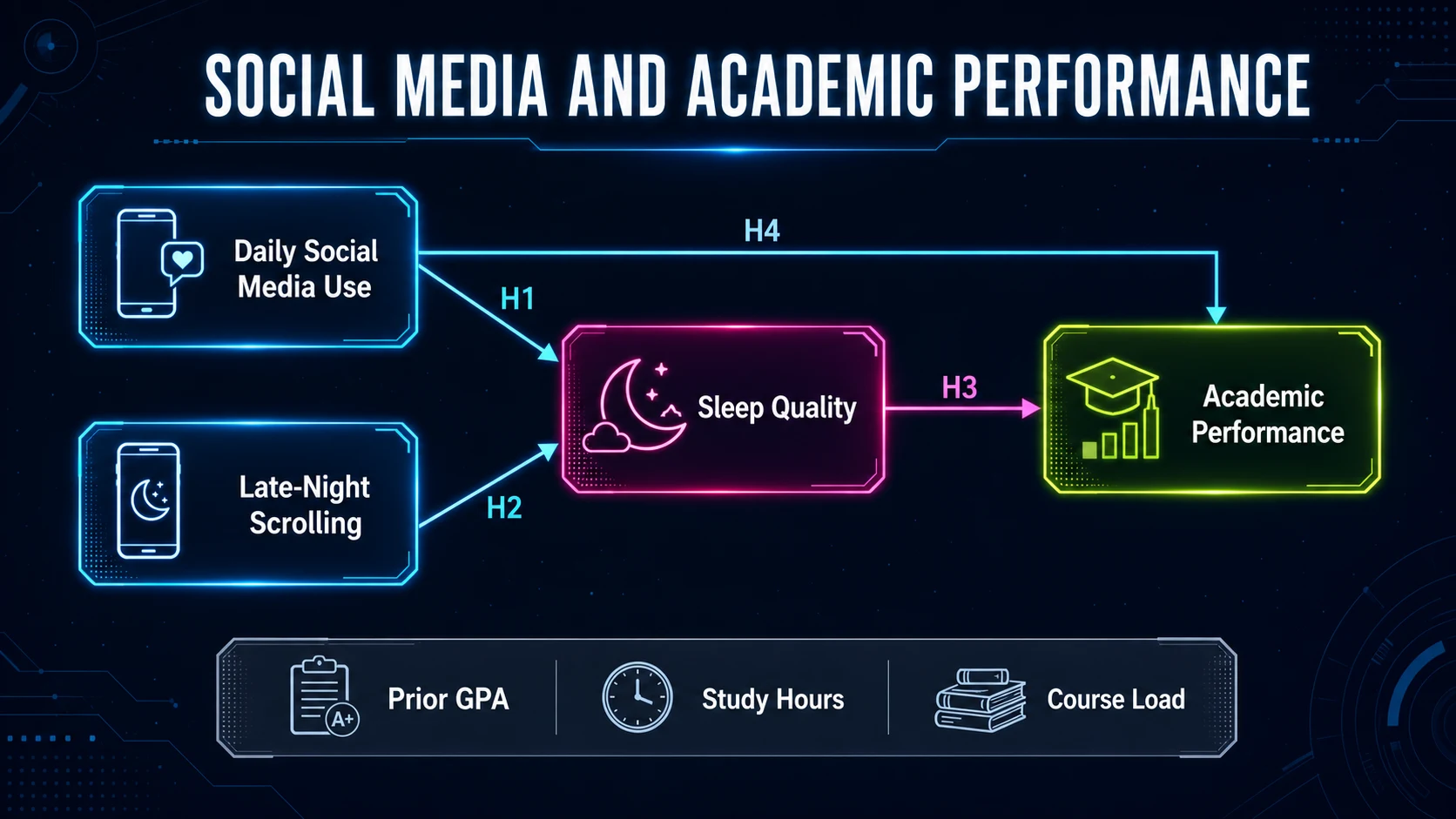
Turn research variables, theories, and hypotheses into a clear conceptual framework for a thesis or paper.
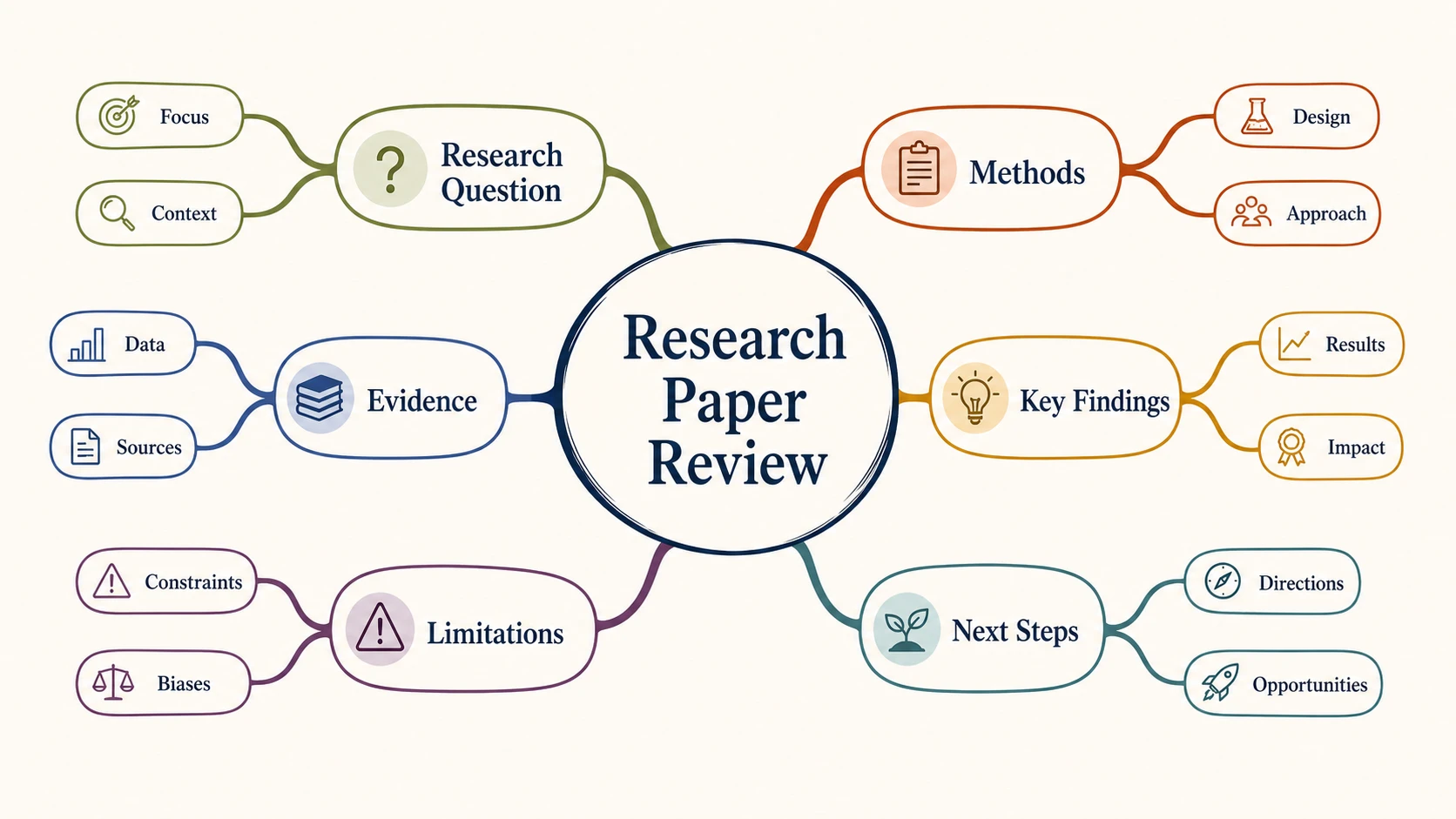
Turn text, notes, or an outline into a clear radial mind map for research, study, brainstorming, and planning.
Direct answers about text-to-flowchart image generation, branching accuracy, downloads, editing, credits, and sensitive workflow data
This type of tool converts a written process into a visual image with actions, decisions, branch labels, loops, and endpoints. FigEditor uses a flowchart-specific system prompt with the selected image model, then returns a result you can review and download.
Write the steps, name the decisions, choose an image model, and generate a polished flowchart you can review and download.
Describe the process and generate a new flowchart with AI.
Start from an example
Browse examplesThe selected image model creates an original flowchart that you can download or continue editing in FigEditor.
Flowchart preview
Approval Process