Male
A square represents a male family member.
Turn family relationships and trait data into a clear genetic diagram with this Pedigree Chart Maker. Paste rows or import a CSV/TSV file, apply standard symbols, catch parent-child errors, and download an editable SVG or high-resolution PNG. No account needed.
Pick an inheritance pattern or use case, load the sample family rows, then replace them with your own members.
How to read pedigree notation
Squares are males and circles are females. Filled symbols are affected individuals, and half-filled symbols are carriers. A diagonal slash marks a deceased relative, and an arrow marks the proband.
A square represents a male family member.
A circle represents a female family member.
A filled symbol marks the selected trait or condition.
A half-filled symbol marks known carrier status.
Pick the template closest to your task, then edit every row before you export.
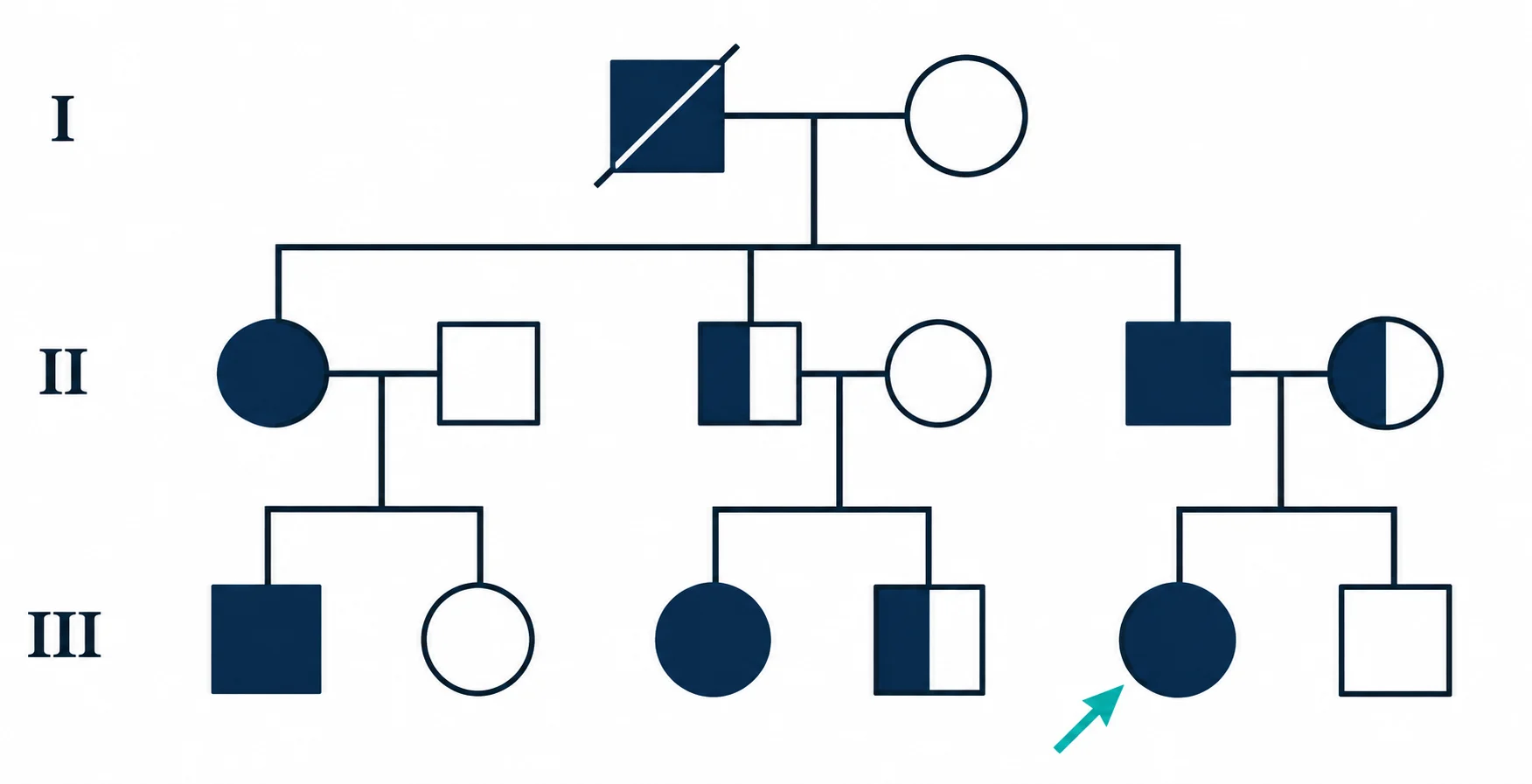
Give students a clear three-generation diagram to practice inheritance patterns, genotypes, probands, and symbol reading.
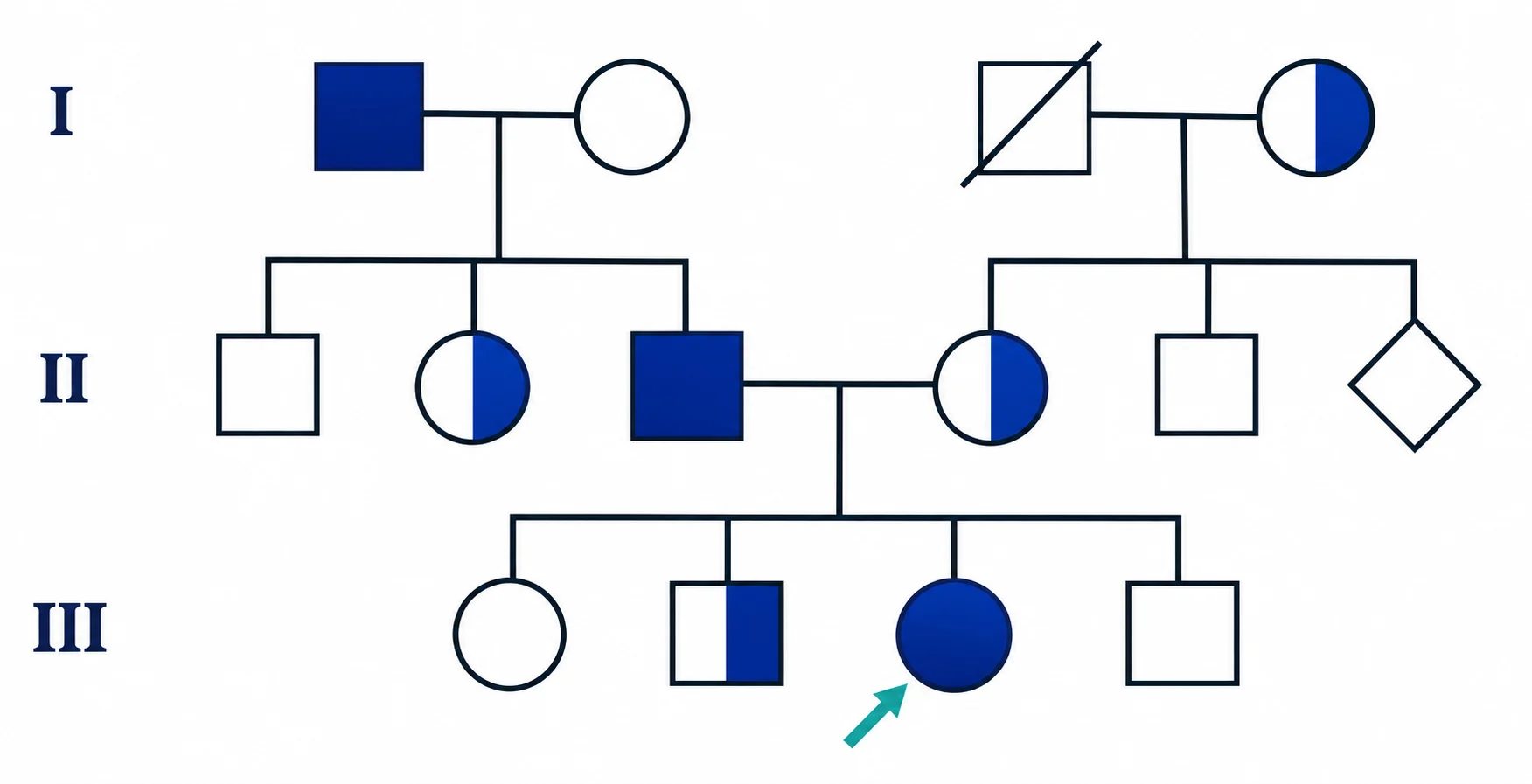
Turn family health history into a structured chart to discuss with a genetics professional. The tool records what you enter. It does not diagnose or predict risk.
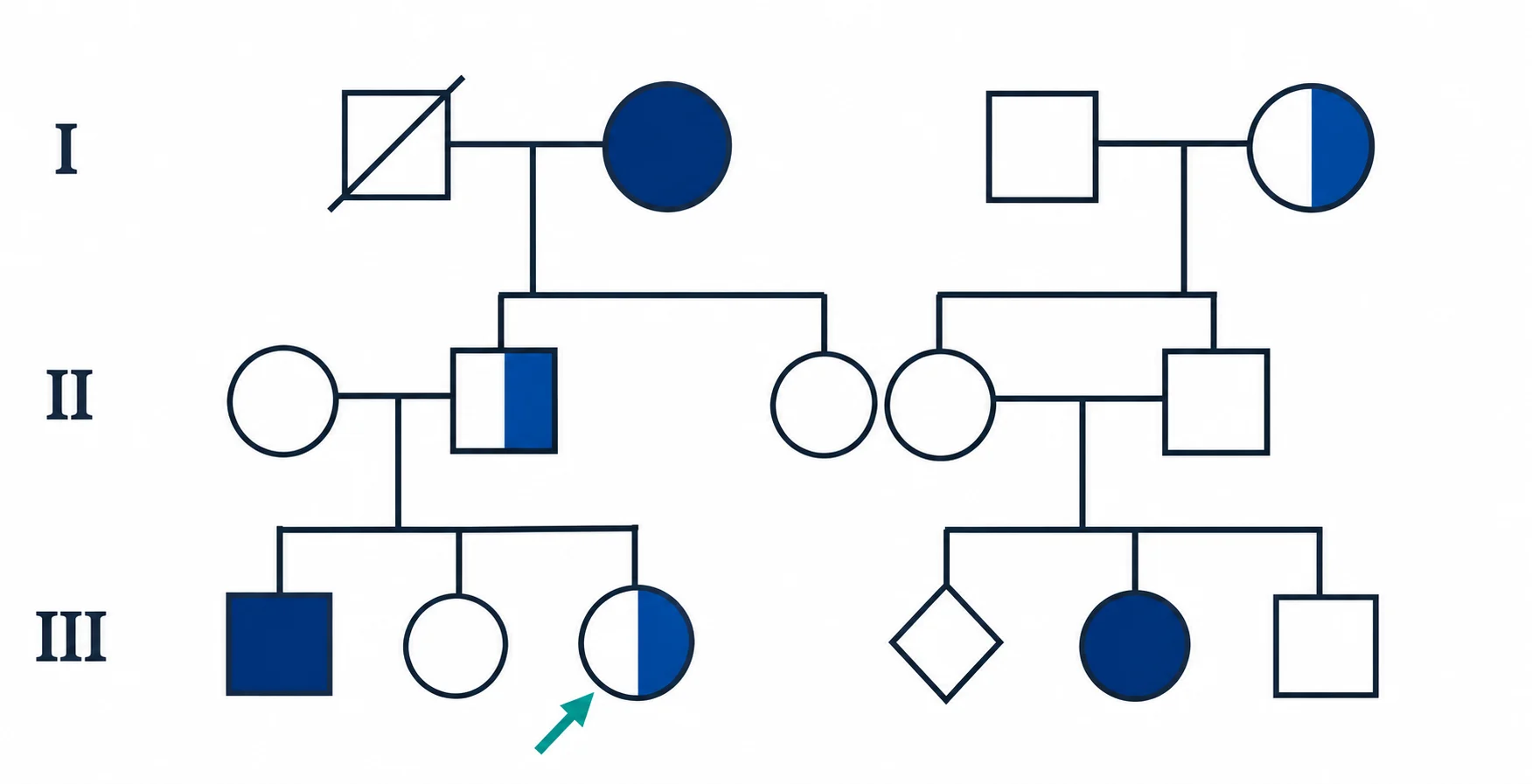
Follow relatives and one health trait across three generations in a pedigree that is easy to review and update.
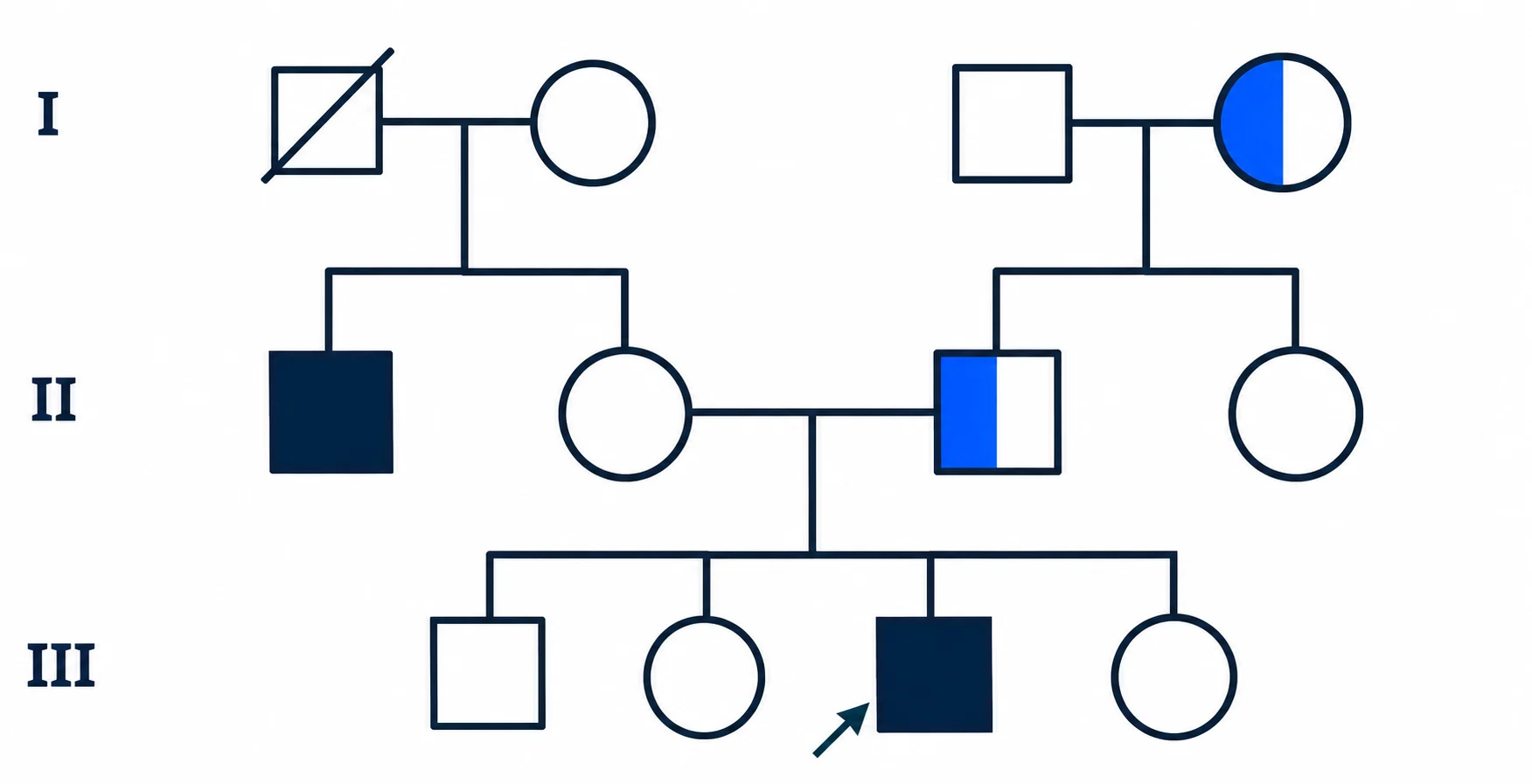
Record sire, dam, offspring, and known carriers in one consistent breeding pedigree for dogs or other animals.
02Pedigree workspace
Enter each relationship once. Your browser arranges the generations, draws the parent-child lines, and applies the symbols you chose.
Get real pedigree notation, not generic family-tree cards. Sex, trait status, genotype, proband, and deceased markers all appear in the exported chart.
Name members I-1, II-2, III-1 and the tool sorts them into generations, then draws connectors from each row's father and mother IDs.
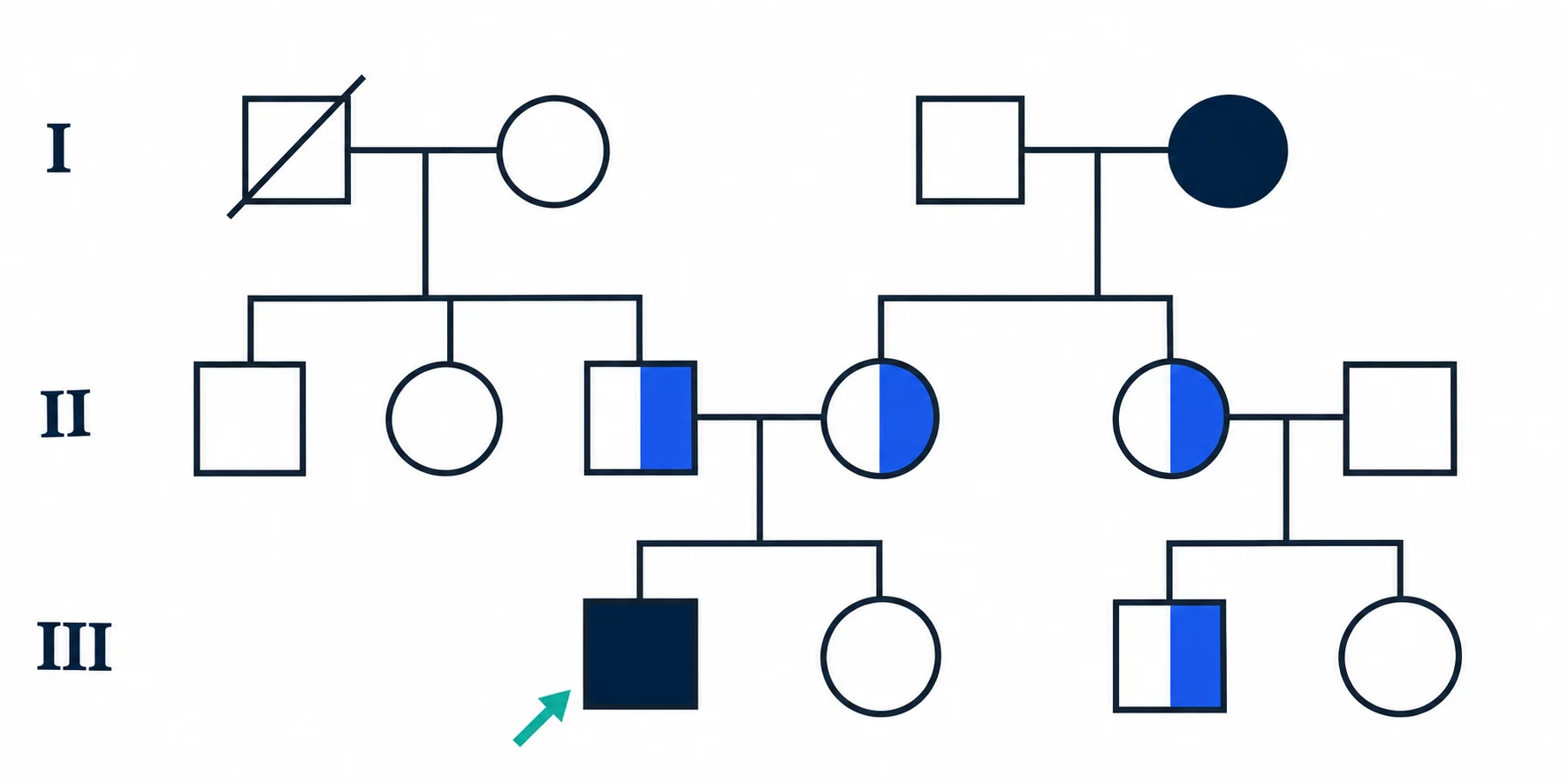
Load a spreadsheet export without uploading it. Built-in checks flag missing parent IDs, self-references, wrong generation order, parent symbol mismatches, and multiple probands before you export.
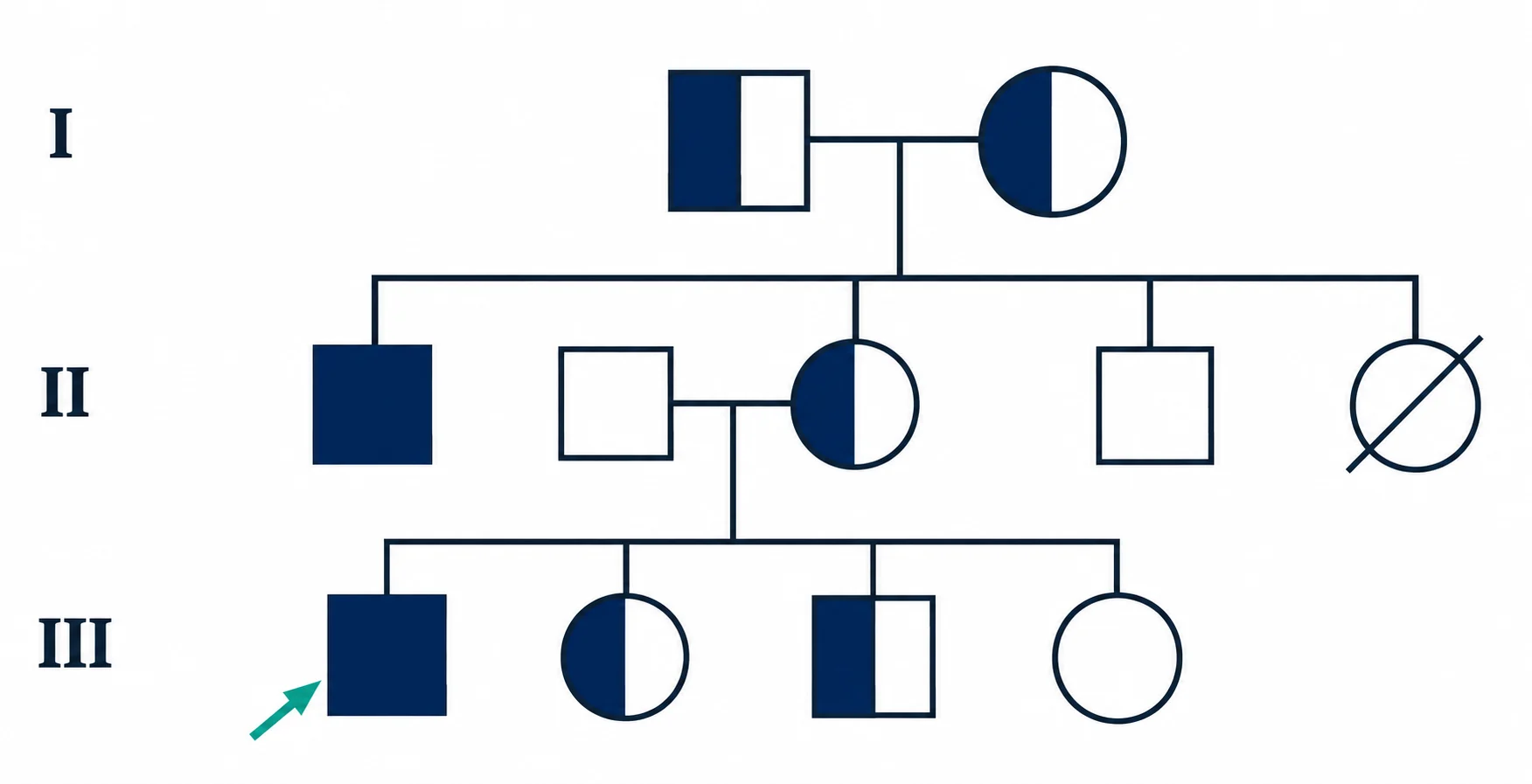
Export SVG to keep editing in design or publishing software, or save a sharp PNG for assignments, slides, and records.
Go from rows of family data to a readable diagram without drawing every symbol and connector by hand.
Edit a member, status, flag, or genotype and the diagram redraws as you type.
Instant redraw
Paste rows or import a CSV, TSV, or TXT file. Four starter templates show the columns and values the tool expects.
Local file import
Build the chart and download SVG or PNG straight from the page. No account, no credits, no watermark.
Free, no account
Squares, circles, filled symbols, half-filled carriers, proband arrows, and deceased slashes follow familiar pedigree conventions.
Made for genetics diagrams
Switch between classroom, clinical history, family history, and animal breeding sample data.
Use-case ready
Family rows stay in your browser, and the same rows always produce the same diagram. The tool never invents relatives.
Nothing added for you
Follow three steps to turn family relationships and trait status into a downloadable pedigree diagram.
Start with Genetics Class, Clinical History, Family History, or Animal Breeding. Each template already holds realistic column values.
Give each member a unique ID, sex, parents, status, optional flags, and genotype. The relationship check flags missing parents, wrong generation order, sex mismatches, and multiple probands.
Check names, relationships, affected and carrier states, the proband, deceased markers, and genotypes. Then export your pedigree.
Continue with a related workflow
Choose a closely related FigEditor tool based on the source material, visual structure, or output you need next.
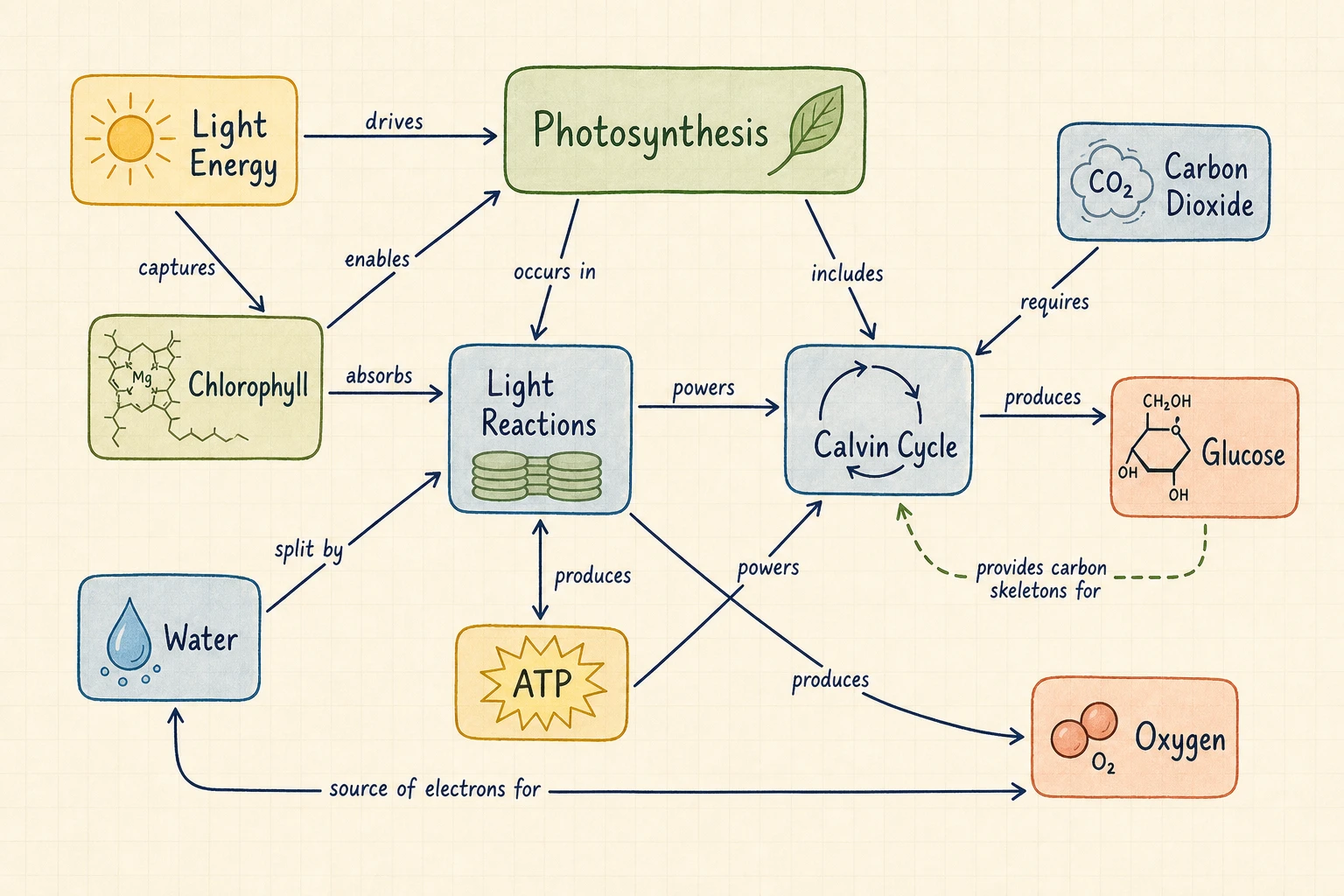
Turn a topic or text into a concept map with labeled relationships, propositions, and cross-links.

Turn text, notes, or an outline into a clear radial mind map for research, study, brainstorming, and planning.
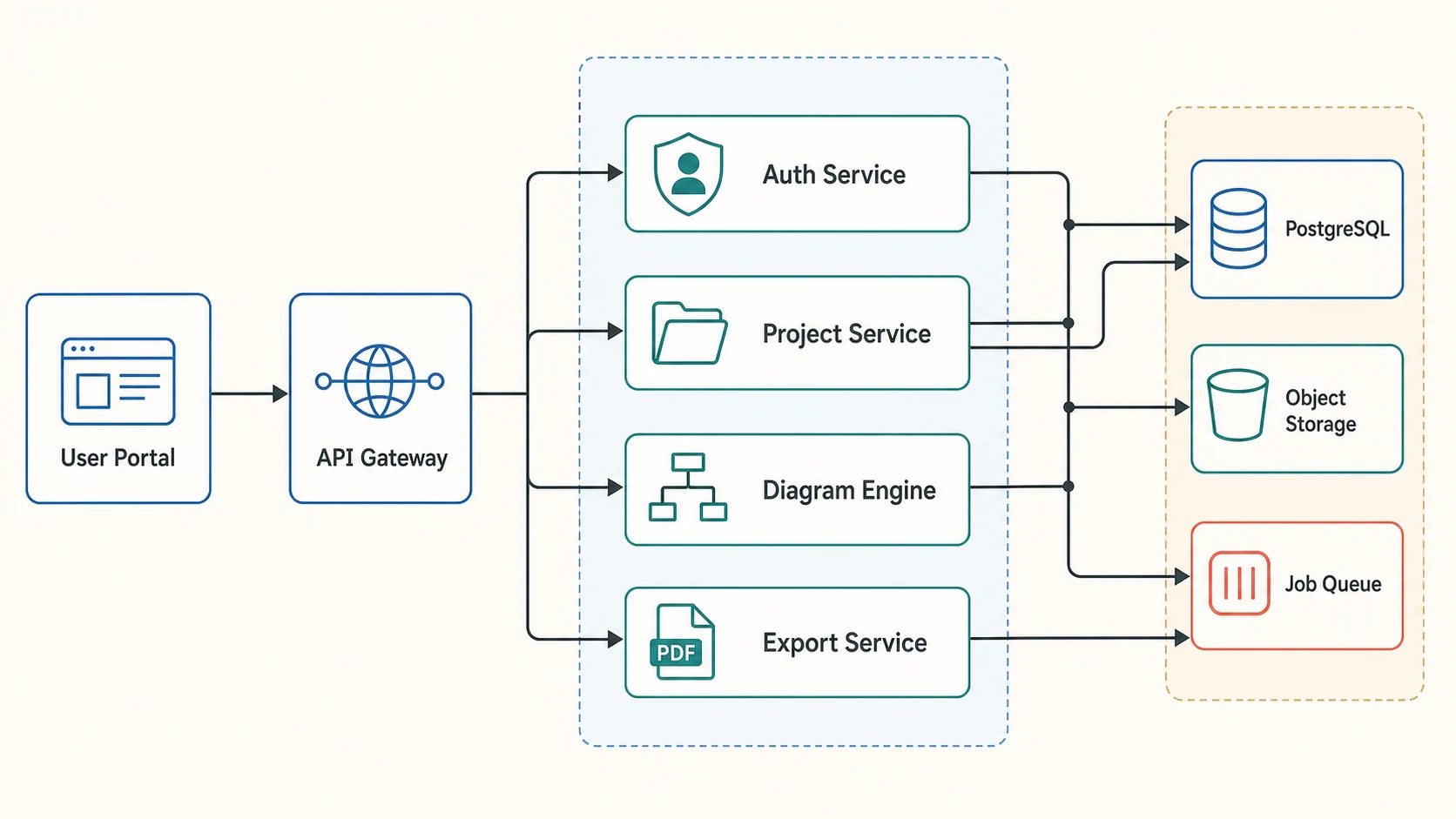
Turn plain text into an editable workflow, study design, or system diagram, then refine every label and connection.
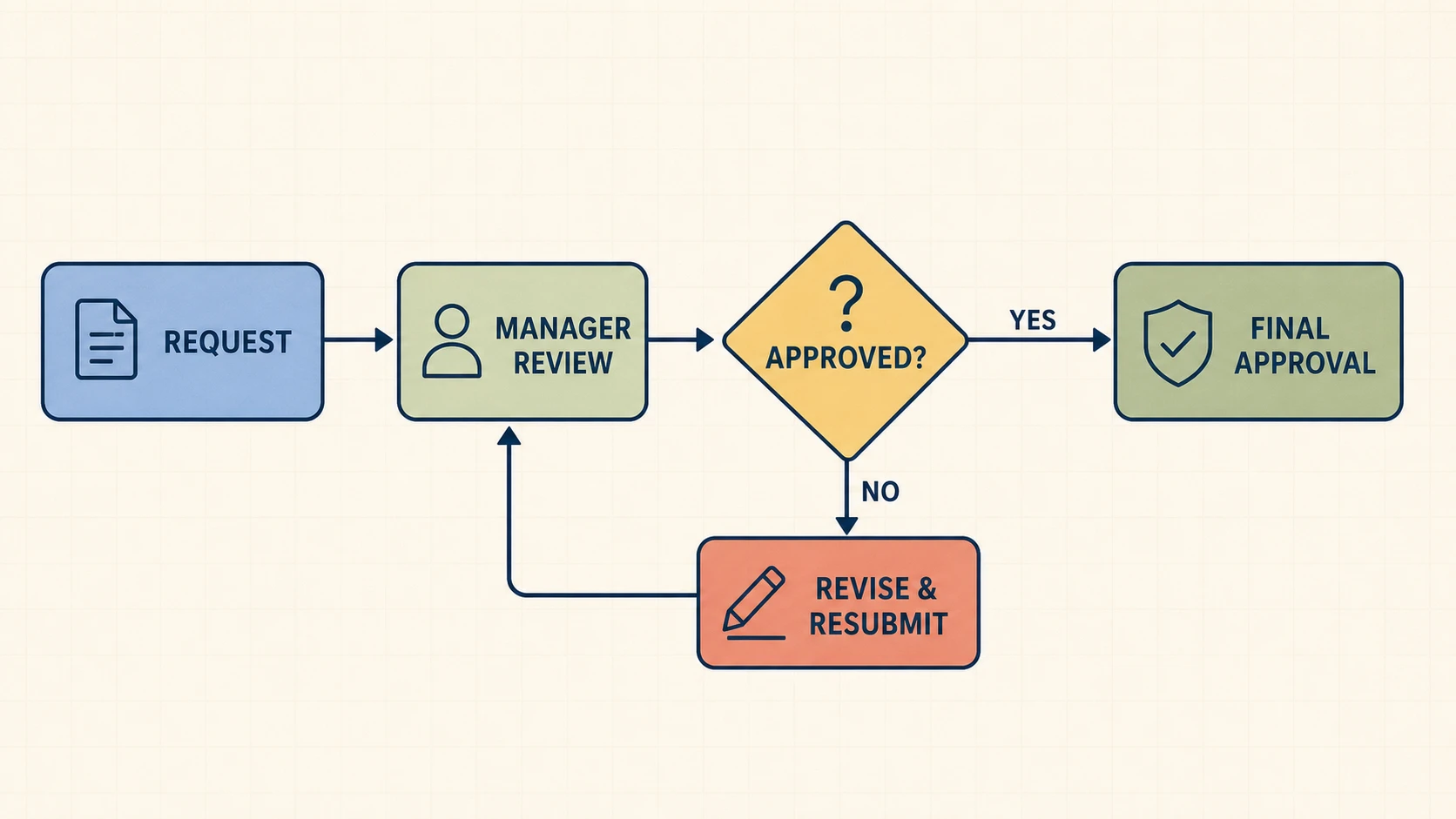
Turn a process description into an editable flowchart with explicit decisions, branches, loops, and connectors.
Answers about making pedigree charts online, genotypes, probands, templates, privacy, and exports.
Open the Pedigree Chart Maker, choose a template, replace the sample family data, check every relationship and symbol, then download SVG or PNG.
Live pedigree preview
5 family members
Educational diagram only. Confirm relationships, symbols, genotypes, and clinical interpretations with a qualified genetics professional before medical use.