

5 Best Free BioRender Alternatives in 2026 (For Science Illustrations)
Compare five free BioRender alternatives for scientific illustrations, including FigEditor, Bioicons, Mind the Graph, Canva, and Chemix.

On this page
- Quick comparison of the best free BioRender alternatives
- Why look for a BioRender alternative in 2026?
- How we evaluated these tools
- 1. draw.io + Bioicons
- 2. Mind the Graph
- 3. FigEditor
- The workflow in one view
- What happens after the first draft
- From source material to a finished deliverable
- Journal formatting, with a clear boundary
- Free allowance and boundaries
- 4. Canva
- 5. Chemix
- Which BioRender alternative should you choose?
- What changed from the older BioRender alternative lists?
- Who should not use an AI scientific illustration generator?
- Frequently asked questions
- Can you start a BioRender alternative workflow for free?
- What is the best free BioRender alternative for research papers?
- Can I use BioRender's free plan in a journal article?
- Is BioRender free for students?
- Which alternative is best for biology diagrams?
- Can Canva replace BioRender?
- Can ChatGPT create a BioRender-style figure?
- Final verdict
- References
BioRender remains one of the easiest ways to assemble polished life-science figures from a curated icon library. Its free plan, however, is designed for basic educational use. As of August 2026, it allows up to three editable figures, low-resolution exports, and no publication or commercial rights. The Individual plan shown on BioRender's US pricing page costs $95 per month when billed annually. That makes free BioRender alternatives worth evaluating before your figure enters a publication workflow.
Quick summary
No single tool covers every scientific-illustration workflow. draw.io with Bioicons offers a low-cost manual route, Mind the Graph provides ready-made scientific icons, FigEditor connects AI drafts with local and structured revisions, Canva Education serves eligible K-12 classrooms, and Chemix focuses on chemistry apparatus.
- draw.io has a free web and desktop editor, while Bioicons assets use different open licenses; paid integrations or downstream tools may still add cost.
- Mind the Graph offers science-specific assets, while its free output keeps a watermark and requires attribution.
- FigEditor combines research-to-figure generation, local editing, structured SVG diagrams, journal-format conversion, graphical abstracts, and scientific posters.
- Canva Education is genuinely free for eligible K-12 users, not every university researcher.
- Chemix is excellent for laboratory apparatus, but it is not a general biology illustration platform.
Quick comparison of the best free BioRender alternatives
We reviewed official product pages, help centers, pricing information, and licensing guidance on August 11, 2026. In this list of free BioRender alternatives, "free" means a usable free plan, free starting credits, or an open-source workflow. It does not mean every export, license, or advanced feature is unlimited. Every option has paid plans, paid integrations, usage limits, or licensing conditions somewhere in the workflow, so none is presented as an entirely free end-to-end product.
| Tool | Free access | Best for | Editing model | Main limitation |
|---|---|---|---|---|
| draw.io | Free editor plus open-licensed Bioicons assets | Manual, open scientific diagrams | Direct object and SVG editing | Licenses vary by icon; some integrations are paid |
| Mind the Graph | Ongoing freemium plan | Curated biomedical illustrations | Template and icon canvas | Free exports retain a watermark and attribution |
| FigEditor | 50 sign-up credits | Research figures from draft through submission | Local edits, structured SVG, journal conversion, and academic outputs | Free use is credit-limited; clean downloads may require a paid plan |
| Canva | Education plan free for eligible K-12 schools | Teaching slides, posters, and worksheets | Template-based design canvas | Limited specialist science assets; eligibility restrictions |
| Chemix | Most features available free | Chemistry lab setup diagrams | Drag-and-drop apparatus | Narrow chemistry focus |
Why look for a BioRender alternative in 2026?
The reason is no longer simply price. The better question is whether the tool matches the figure's full lifecycle.
BioRender's current free plan includes up to three editable figures, low-resolution export, more than 1,000 templates, limited graphing, and educational use. BioRender's license guidance states that free-plan figures do not come with journal-publication or commercial rights. Those boundaries are reasonable for evaluating the product, but they can block the moment a classroom visual becomes a paper figure, grant graphic, client deliverable, or reusable lab asset.
Researchers also need different kinds of control:
- Concept control: Can the tool represent the pathway, apparatus, or experimental sequence you actually mean?
- Revision control: Can you correct one label or arrow without rebuilding the whole figure?
- File control: Can you export a useful SVG or another format your lab can continue editing?
- License control: Does the free tier permit your intended use, and what attribution is required?
- Cost control: Does the free allowance cover a finished figure or only the first draft?
A large icon library is excellent when the right components already exist. AI generation is faster when the concept is novel or visually complex. Open-source editors are safer when you need total object-level control and have time to design manually. No single alternative wins all three workflows.
How we evaluated these tools
This ranking of free BioRender alternatives is based on use cases, not a claim that one product is universally better. We weighted five practical criteria.
| Criterion | Weight | What we looked for |
|---|---|---|
| Free-plan usefulness | 25% | Whether a new user can complete meaningful work before paying |
| Scientific workflow fit | 25% | Science-specific inputs, assets, diagrams, or apparatus |
| Revision and editability | 20% | Local edits, object control, SVG structure, or continued editing |
| Export and licensing clarity | 20% | Useful formats plus understandable publication and attribution rules |
| Learning speed | 10% | Time needed to move from an idea to a readable first draft |
This list is organized by use case rather than as an absolute ranking from first to fifth. FigEditor is our product, so we place it in the middle and give it the longest section to document verifiable workflows, free-use boundaries, and situations where another tool fits better. The other entries retain only the details that materially affect a choice. Product limits and prices change, so verify the live plan and license before publishing or buying.
1. draw.io + Bioicons
draw.io with Bioicons suits teams that want object-level control without subscriptions or credits. You can save locally and export SVG, PNG, or PDF, while Bioicons supplies open scientific SVG assets.
The tradeoff is manual composition and license tracking. Bioicons aggregates assets under several licenses, so check each icon and retain any required attribution.
Best for: Low-cost, manually editable pathways and experimental workflows.
2. Mind the Graph
Mind the Graph is the closest option here to BioRender's library-and-canvas workflow. Its ongoing free plan provides scientific assets, but the platform's free-plan guidance requires a watermark and attribution.
It is direct when the required cells, organs, molecules, or lab objects already exist in the library. It is less suitable for unbranded output or concepts that cannot be assembled from available icons.
Best for: Biomedical users evaluating a dedicated scientific icon library.
3. FigEditor
FigEditor is our product. Its main difference is not another image model, but the work that happens around the model. One project can hold the methods text, PDF or Word document, sketch, reference image, conversation, generated drafts, and later revisions. That context can then be reused for a paper figure, graphical abstract, structured flowchart, poster, or journal-formatted version.
The workflow in one view
| Stage | What FigEditor provides | Where it helps |
|---|---|---|
| Research input | Reads a prompt plus PDF, DOC/DOCX, TXT, Markdown, PNG, JPEG, or WebP attachments; a canvas image can also be reused as a reference | Starting from methods, a paper, a sketch, an old figure, or a visual reference |
| First draft | Multiple image models, 1K–4K resolution, model-compatible aspect ratios, academic, medical-render, and line-art styles, plus subject-specific prompt templates | Mechanism figures, experimental workflows, anatomy diagrams, model architectures, and teaching figures |
| Local revision | Quick edit, masked region redraw, OCR-assisted text correction, recoloring, reframing, regeneration, and upscaling | Changing one object, label, arrow, color, or ratio after a coauthor or reviewer comment |
| Structured revision | AutoFigure converts text or an image into SVG; Flowchart edits elements, text, nodes, connectors, layout, and SVG source with undo, redo, and version restore | Methods diagrams, technical roadmaps, research frameworks, PRISMA or CONSORT flows |
| Submission prep | Nature, IEEE, Cell Press/Elsevier, and PLOS presets with width, DPI, artwork type, and color-mode controls; TIFF, PNG, and JPEG output | Preparing an approved figure for a target journal's technical requirements |
| Other deliverables | Paper Banana, graphical abstracts, AI infographics, text-to-diagram, and scientific posters | Reusing the same research story in a paper, conference poster, presentation, or explainer |
| Project continuity | Project history, separate conversations, attachments, saved-image library, My Creations, and public or password-protected read-only links | Returning to a figure later or sending a review link without exposing the editing workspace |
What happens after the first draft
This is where FigEditor is most different from a one-shot generator. A reviewer may ask to replace one cell type; a coauthor may notice a misspelled label; a journal may request a wider figure. Generating the whole image again risks changing sections that were already approved.
For a raster figure, Studio offers two levels of control. A short natural-language edit works for a straightforward correction. For a more precise change, draw a mask over the target area and describe what should replace it. OCR-assisted text editing exposes recognized text regions for correction, while recolor and aspect-ratio tools handle presentation changes without restarting the project. Regenerate and upscale remain available when the draft itself is not worth preserving.
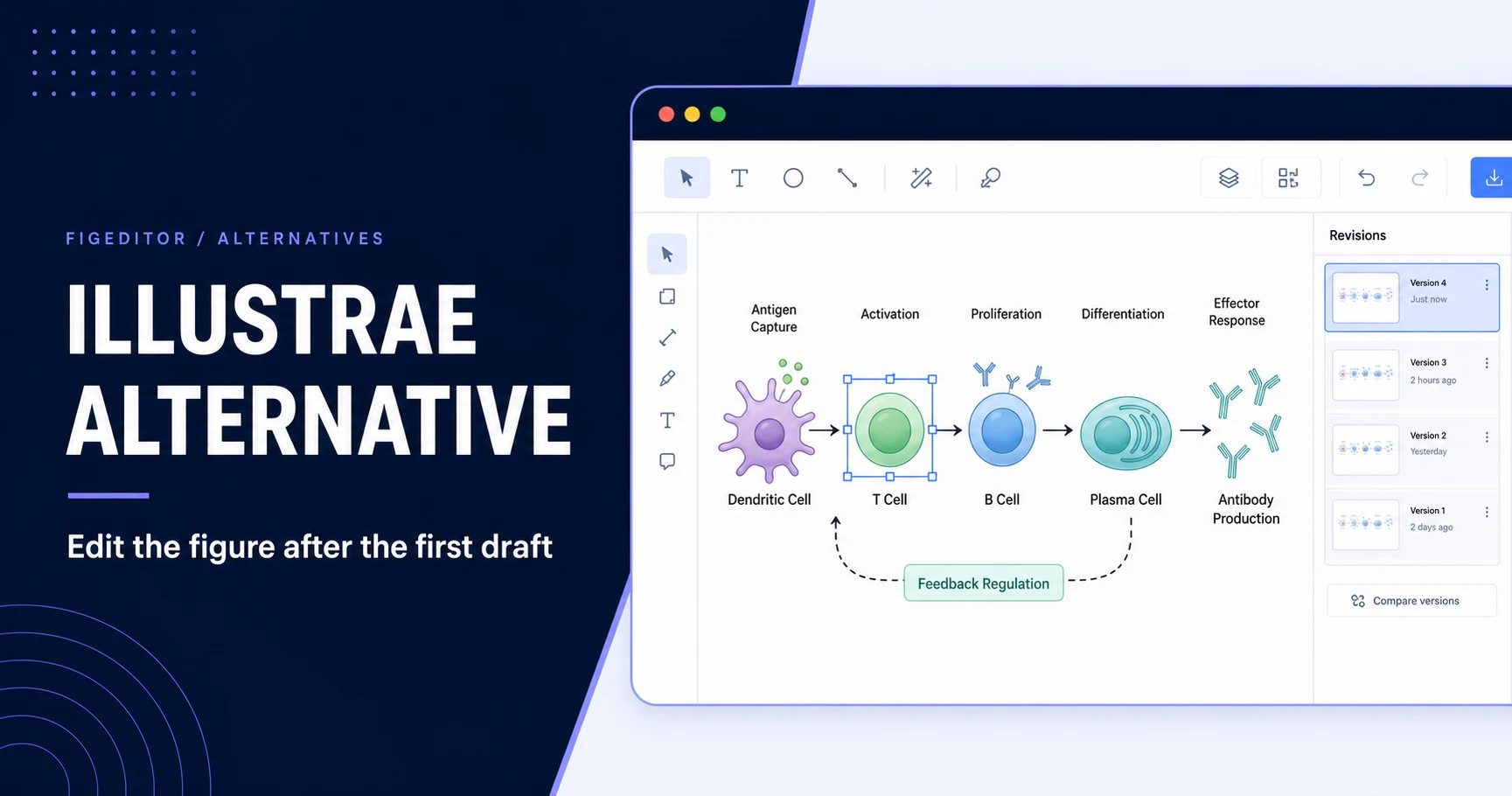
For diagrams that must remain structurally editable, use the separate AutoFigure and Flowchart path. AutoFigure accepts methods text or a source image and produces SVG plus a PNG preview. Opening it in Flowchart makes text and graphical elements selectable. The editor supports text, size, rotation, flips, color, opacity, layer order, duplication, deletion, undo, redo, and version restoration. The Flowchart Agent can also add, remove, rename, restyle, recolor, or rearrange elements from an instruction.
The distinction matters: a normal generated image is a raster result with local image-editing tools; it is not advertised as a semantic SVG. AutoFigure and Flowchart are the structured route.
From source material to a finished deliverable
FigEditor covers several common research handoffs:
- Methods to figure: attach the relevant methods or describe the objects and relationships, then create a mechanism figure, experimental workflow, or model architecture.
- Sketch to editable diagram: use image-to-SVG when the structure matters more than preserving every pixel, then refine labels, nodes, and connectors in Flowchart.
- Review comment to local fix: select the existing figure, redraw only the marked area, correct OCR-detected text, or change the palette and ratio.
- Paper to visual: use Paper Banana for methodology, architecture, plot generation, or figure polishing; it includes reference-image input and General, NeurIPS, ICML, ACL, and IEEE visual directions.
- Paper to poster: upload a PDF, choose academic, outreach, natural, or custom styling, then set density, model, ratio, and resolution.
- Figure to submission file: convert an approved canvas image to a journal preset and export the prepared TIFF, PNG, or JPEG.
The project keeps prompts, attachments, conversations, generated versions, and saved images together. A public or password-protected link is useful for read-only review. It is not presented as real-time collaborative editing.
Journal formatting, with a clear boundary
The publication converter creates a new canvas version based on a journal family, layout width, artwork type, DPI, and color mode. It reduces repetitive production work, but it cannot verify the scientific conclusion or guarantee that a journal will accept the file. Always compare the export with the target journal's current author instructions.
Free allowance and boundaries
New accounts receive 50 credits. The main scientific-figure entry point currently uses 8 credits for a first draft; Studio and structured operations display their own costs in the interface. The allowance is enough to test several first drafts or a realistic multi-step workflow, not to promise unlimited production. Watermark, queue, or download restrictions should be checked in the live interface.
FigEditor fits figures that begin with research content, will go through several local or structural revisions, need journal conversion, or benefit from retained project context. Mind the Graph or BioRender is faster when the task is simply arranging familiar scientific icons, while Canva remains stronger for general social graphics.
A useful trial: Open the AI scientific illustration workflow with a real methods paragraph or existing figure. Generate one draft, complete one local correction, and—if submission is near—export one journal-formatted version. That tests the product's actual advantage better than a homepage sample.
4. Canva
Canva Education is free for eligible K-12 educators, students, and school districts. It works well for lesson slides, posters, worksheets, and classroom infographics, but it is not a universal free academic plan for university researchers and has fewer specialist biomedical assets.
Best for: Eligible K-12 teaching materials.
5. Chemix
Chemix focuses on chemistry apparatus, including customizable equipment, liquids, formulas, and annotations. Its help center says most features are free, while some items and advanced features require a subscription.
It is efficient for distillation, titration, filtration, heating, and gas-collection diagrams, but not for cell signaling, anatomy, or general graphical abstracts.
Best for: Glassware and laboratory-setup diagrams.
Which BioRender alternative should you choose?
Use the deliverable, not the feature count, to decide.
| Your actual need | Best choice | Why |
|---|---|---|
| Manual scientific diagram using free starting tools | draw.io | Free editor with Bioicons assets; check each license and any paid integrations |
| Curated biomedical icons on a dedicated canvas | Mind the Graph | Closest library-led workflow to BioRender |
| Research figure that needs revisions or journal conversion | FigEditor | Combines generation, local editing, structured SVG, and submission formatting |
| K-12 poster, worksheet, or lesson deck | Canva | Education plan is free for eligible schools |
| Chemistry apparatus diagram | Chemix | Purpose-built glassware and experiment controls |
Before committing, run the same five-minute test in each serious candidate:
- Create one figure from a real current project.
- Correct one label and reverse one arrow.
- Export the intended final format.
- Open that export in your lab's downstream editor.
- Read the license for the exact plan and assets used.
This test reveals more than a gallery. A polished first draft is useful. A figure that remains correct, editable, and licensed after two rounds of review is a workflow.
What changed from the older BioRender alternative lists?
Several claims repeated in older lists of free BioRender alternatives are now stale.
First, BioRender changed its Basic plan from five editable figures to three in July 2026. Its current Individual pricing is also much higher than the $35-per-month figure repeated in older articles, although student, lab, institutional, regional, and promotional pricing can differ.
Second, "free export" is not the same as "free publication rights." BioRender's free plan does not provide publication rights. Mind the Graph requires a watermark and attribution on free output. Bioicons assets use multiple open licenses. Canva Education depends on user and institution eligibility. Every serious comparison now has to treat licensing as a core feature, not a footnote.
Third, AI-native tools have made the first draft easier. The harder differentiator is what happens afterward. Can you preserve the accepted composition while fixing one relationship? Can you inspect the SVG? Can you return to an earlier version? That is where FigEditor's revision-centered workflow differs from a template library or one-shot image generator.
Who should not use an AI scientific illustration generator?
Do not use an AI generator to fabricate observed evidence. Microscopy images, gels, blots, quantitative plots, scale bars, clinical images, and experimental measurements must come from verified data and approved scientific workflows.
AI can help with conceptual mechanisms, methods diagrams, graphical-abstract drafts, and explanatory illustrations when the researcher checks every label, arrow, value, structure, and implication. It cannot determine whether the science is true. Review the target journal's current AI, disclosure, copyright, and image-integrity policies before submission.
If an institution prohibits uploading confidential, patient-identifiable, export-controlled, or unpublished material to third-party AI services, use a local manual tool such as draw.io and approved assets instead.
Frequently asked questions
Can you start a BioRender alternative workflow for free?
Yes, but avoid treating the entire workflow as universally free. draw.io provides a free web and desktop editor, and Bioicons offers open-licensed SVG assets. Individual icon terms, paid integrations, storage, support, or downstream publishing tools can still affect the final cost.
What is the best free BioRender alternative for research papers?
There is no single answer for every paper. For a manual workflow built from free starting tools, use draw.io plus properly licensed Bioicons and check any downstream costs. When a figure needs an AI draft followed by local or structured revisions, try FigEditor. In either case, verify the science and the journal's AI and image policies.
Can I use BioRender's free plan in a journal article?
No. BioRender's current licensing guidance states that the Basic free plan does not include publication rights. A paid academic plan is required for journal publishing with BioRender content. Confirm the exact plan terms before exporting.
Is BioRender free for students?
BioRender offers a Basic free plan, but student subscriptions with publication rights are paid and eligibility-specific. Undergraduate, graduate, and postdoctoral options differ. Current prices may only appear after login, so check your Plan and Billing page.
Which alternative is best for biology diagrams?
Use Mind the Graph or Bioicons when the required biology components already exist in a library. Use FigEditor when the diagram is novel, starts from methods text or a sketch, or must go through local and structural revisions.
Can Canva replace BioRender?
Canva can replace BioRender for general science posters, worksheets, presentations, and classroom infographics. It is less suitable for specialized biomedical pathways or publication figures that depend on a deep scientific icon library and research-specific licensing.
Can ChatGPT create a BioRender-style figure?
ChatGPT can help outline a figure or write a precise prompt, and image models can produce a visual draft. A dedicated tool is still needed for references, local corrections, editable structure, export, versioning, and licensing. Always verify the scientific content yourself.
Final verdict
The best BioRender alternative depends on what you need to finish. Choose Mind the Graph for a familiar science-icon canvas, Canva Education for eligible K-12 teaching materials, Chemix for chemistry apparatus, or draw.io plus Bioicons for a manual workflow with free starting tools and license checks.
Choose FigEditor when the figure starts with research material, benefits from an AI first draft, and must survive reviewer revision. The free credits are for evaluation rather than unlimited production, but they are enough to test the part that matters: whether you can correct a real figure without starting over.
Open FigEditor Studio, bring one current scientific illustration, and try the smallest realistic correction your coauthor would request.
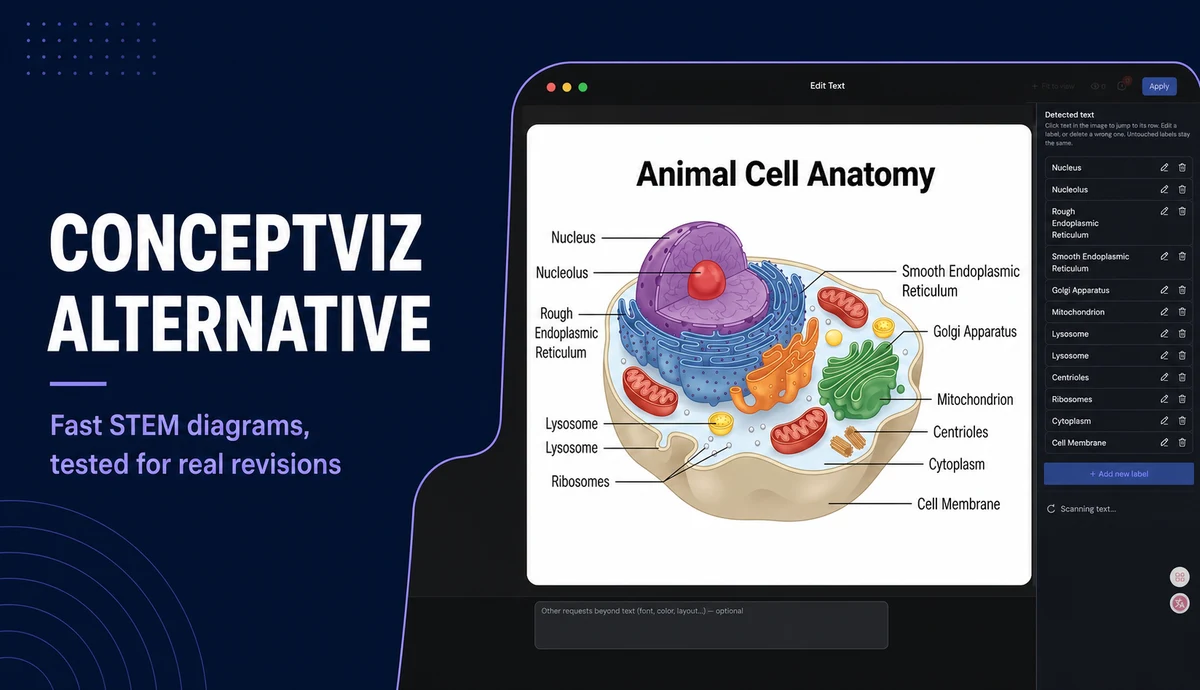
For a deeper workflow comparison, read our scientific infographic design guide or compare FigEditor with ConceptViz.
References
- BioRender. (2026). Plans and pricing.
- BioRender Help Center. (2026, July 23). An update to the BioRender Basic free plan.
- BioRender Help Center. (2026, June 30). Licensing and usage of figures made in BioRender.
- draw.io. (2026). Security-first diagramming for teams.
- Bioicons. (2026). High-quality science illustrations.
- Mind the Graph. (2026). Can I use Mind the Graph for free?.
- Canva. (2026). Canva Education.
- Chemix Help Center. (2025, November 11). What is Chemix?.